A brand style guide is the single most valuable document a new business, creator, or side project can own — yet it is also one of the things people put off the longest. It defines your logo usage, colors, fonts, imagery, and tone of voice, so every post, page, and product looks like it came from the same place. In 2026, you no longer need to hire an agency to get one. With the right AI tools, you can research, design, and assemble a professional brand style guide in a single afternoon.
This guide walks you through the entire process step by step: what goes into a brand book, how AI helps with each part, which free AI tools to use, and the mistakes that make AI-generated brands look cheap. By the end, you will have a finished style guide you can hand to a designer, a freelancer, or your future self.
What Is a Brand Style Guide, and Why Do You Need One?
A brand style guide (sometimes called a brand book) is a reference document that keeps your brand consistent. It answers questions like: Which exact colors may I use? Which fonts pair together? How should the logo be placed? What does the brand sound like when it writes?
Without one, brands drift. Your website uses one shade of blue, your social posts use another, and your invoices use a font nobody remembers choosing. Customers notice that inconsistency, even if they cannot name it — it quietly erodes trust.
A complete style guide typically covers:
- Brand story: mission, values, and audience in a few sentences
- Logo system: the primary logo, alternate marks, clear space, and what never to do with the logo
- Color palette: primary and secondary colors with exact hex codes
- Typography: headline and body fonts, sizes, and pairing rules
- Imagery style: the look of photos and illustrations you use
- Tone of voice: how the brand writes and speaks, with examples
- Applications: mockups showing the brand on a website, business card, or social post
The traditional way to build this is slow: mood boards on Pinterest, weeks of designer back-and-forth, and a hefty invoice. AI changes the economics. It can generate logo concepts in minutes, suggest entire palettes from a mood description, and even draft the guide document itself. Your job shifts from creating everything by hand to curating and choosing — which is faster and, frankly, more fun.
Manual vs AI-Assisted: How the Process Compares
Here is how building a brand style guide looks with and without AI:
| Task | Traditional approach | With AI |
|---|---|---|
| Logo concepts | Hire a designer, wait days for drafts | Generate dozens of concepts in minutes with free AI logo makers |
| Color palette | Manual exploration, color theory research | Palette generators create harmonious sets from a keyword |
| Brand messaging | Copywriting sessions or workshops | Chatbots draft mission statements and tone examples instantly |
| Mockups | Photoshop work or paid mockup sites | AI mockup generators place your logo on real scenes |
| Writing the guide | Designed manually in InDesign or Canva | AI drafts the structure; you refine and design |
| Total time | 2–6 weeks | One afternoon to a weekend |
AI does not remove the need for human judgment. It removes the blank page. Every output still needs your eye: rejecting what does not fit, picking the palette that actually feels like you, and tightening the words. Think of AI as an endlessly patient junior designer, not a replacement for one.
Step-by-Step: How to Create a Brand Style Guide with AI
Follow these eight steps in order. Each one produces a section of your finished guide.
Step 1: Define your brand foundation with a chatbot
Before touching any design tool, open ChatGPT, Claude, or Gemini and have a working conversation about your brand. Tell it what you sell, who it is for, and what feeling you want — then ask it to draft a mission statement, three brand values, and a one-paragraph brand story. Iterate with follow-ups like “make it bolder” or “write for busy parents, not marketers” until it sounds right.
Paste the final version into the first section of your guide. This foundation will steer every later decision, from colors to voice.
Step 2: Generate logo concepts with AI
Use an AI logo generator to create 10–20 logo concepts based on your brand name and style keywords. Generate more than you need — you are hunting for one strong direction, not judging each one as final. If you want deeper guidance on tools, our roundup of the best free AI logo makers compares the strongest options.
Pick your favorite concept, download it in the highest resolution available, and note the file formats you have. In your guide, record where the logo may and may not appear, and keep a version with clear space around it.
Step 3: Build your color palette
Ask your chatbot to suggest palettes from your brand adjectives — “calm, premium, eco-friendly” gives very different results than “bold, playful, youthful.” Cross-check suggestions in a palette tool such as Coolors or Huemint, which generate harmonious sets and export hex codes.
Lock in: one primary color, two to three secondary colors, one neutral (background), and one accent. Record the hex, RGB, and CMYK values for each in your guide. A pro tip: test your palette for accessibility — body text should have strong contrast against backgrounds, and free contrast checkers can verify this in seconds.

Step 4: Choose your typography
You need exactly two fonts: one for headlines and one for body text. AI can help here too — describe the mood (“modern tech, friendly but authoritative”) and ask for Google Fonts pairings. Popular safe pairings include a geometric sans for headlines with a clean sans for body, or a serif headline font for a more editorial feel.
In your guide, list each font’s name, where to download it (free tiers are widely available), and the sizes you will use for headings, subheadings, and body copy. Show a sample sentence set in each.
Step 5: Define your imagery style
Decide whether your brand uses photography, illustration, or a mix — and what mood unites them. AI image generators are perfect for establishing this: generate a few sample images in the style you want (“warm flat illustration, minimal backgrounds”) and use them as reference examples in your guide.
If you will use stock photography, write three adjectives that describe acceptable images (for example: “bright, authentic, diverse”) plus one hard rule (“no heavy filters”). Consistency here is what makes a feed or website feel branded.
Step 6: Write your tone of voice
Go back to your chatbot and ask it to write the same short announcement — say, a product launch — in three different tones: playful, professional, and bold. Choose the one that fits, then push further: “Write five sample social captions in this tone” and “show me what this tone sounds like when apologizing for a mistake.”
Your guide’s voice section should include: three tone adjectives, a “we say this, not that” table, and two or three example paragraphs. This section pays off every time someone writes for the brand — including future AI tools you prompt.
Step 7: Create mockups and application examples
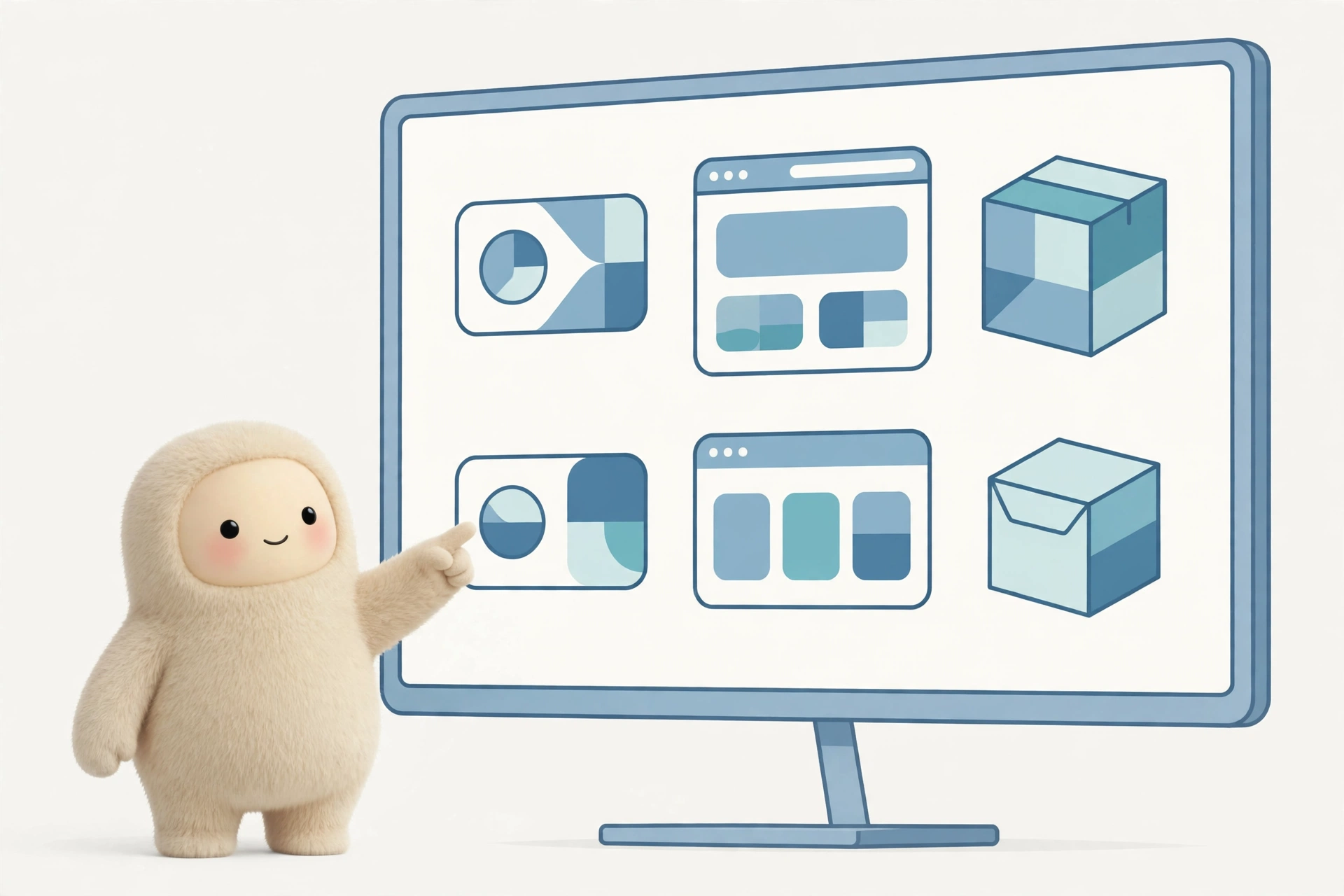
A style guide comes alive when people see the brand in use. Use AI mockup generators to place your logo and colors on a website header, a business card, an Instagram post, and packaging. These examples make the abstract rules concrete.
If you post on social media regularly, this is also the moment to connect your brand visuals to your posting workflow — tools that help you automate social media posting with AI work far better when every asset already follows your palette and fonts.
Step 8: Assemble and publish the guide
Ask your chatbot to outline a brand style guide document from the sections above, then fill in your actual decisions. Lay it out in Canva, Notion, or Google Docs — a simple, clean PDF is enough for most small brands. Export it, share it with anyone who creates content for you, and revisit it twice a year.
Keep the living version somewhere editable. Brands evolve, and a guide that cannot be updated becomes a guide that gets ignored.
Best AI Tools for Each Branding Task
You do not need a dozen subscriptions. Most branding work is covered by a small set of free or freemium tools:
- Brand strategy and copy: ChatGPT, Claude, and Gemini all handle mission statements, taglines, and tone-of-voice drafts well. Use free tiers to start.
- Logo design: dedicated AI logo makers generate editable vector-style concepts; compare options before committing.
- Color palettes: Coolors, Huemint, and Khroma generate and refine palettes from text prompts or images.
- Imagery: Midjourney, DALL-E, and Ideogram create on-brand illustrations and mockup scenes.
- Mockups: tools like Mockey and Smartmockups place your designs on realistic products.
- Layout: Canva’s Magic Studio features can resize and restyle guide pages from your palette automatically.
Most of these tools offer free tiers that are enough for a first brand book. Paid plans are available if you need higher-resolution exports or commercial licenses — check current pricing on each tool’s site before you commit, since plans change often. For design-heavy tasks, also see our roundup of the best AI tools for graphic designers for more advanced options.
5 Mistakes That Make AI Branding Look Cheap
- Accepting the first logo. AI logos can look generic. Generate many, then customize: adjust spacing, simplify shapes, and pair the mark with strong typography.
- Too many colors. A palette of eight colors is not a palette — it is indecision. Five is plenty.
- Skipping the “don’t” examples. A guide that only shows correct usage invites mistakes. Show the stretched logo, the wrong color, the off-brand font — with a red cross.
- No real-world test. Before finalizing, mock up your brand on the three places it will actually appear. If it fails there, it fails everywhere.
- Letting AI write the whole voice section. Tone examples need your ear. AI drafts, you decide what genuinely sounds like you.
Frequently Asked Questions
Can AI really create a professional brand style guide?
Yes — for small businesses, startups, creators, and side projects, an AI-assisted guide is more than enough. AI handles the time-consuming parts: generating logo options, suggesting palettes, drafting copy, and structuring the document. What it cannot do is make taste decisions for you, so review every output and refine the details. Large enterprises with complex trademark needs may still want a professional designer for the final polish.
How long does it take to create a brand style guide with AI?
Most people can go from a blank page to a finished guide in one focused afternoon or a weekend. The chatbot conversations take an hour or two, logo and palette generation another hour, and assembling the document the rest. Compare that to the traditional route, which typically takes two to six weeks with a designer.
Do I need design skills to use AI branding tools?
No. That is the main advantage. AI logo makers, palette generators, and mockup tools are built for non-designers, with simple prompts and one-click exports. Basic design judgment helps — knowing when something looks off — but the tools remove the technical barrier. Reading a short primer on color contrast and font pairing will take you the rest of the way.
Are AI-generated logos safe to use commercially?
It depends on the tool. Many AI logo makers include commercial licenses on their paid plans, while free tiers may restrict commercial use or offer limited rights. Always read the licensing terms of the specific tool you use, and run a trademark search before investing heavily in a logo. When in doubt, check current licensing terms on the tool’s website.
What should I do after finishing my brand style guide?
Put it to work immediately. Update your website, social profiles, and templates to match the new palette, fonts, and voice. Share the guide with anyone who creates content for you — freelancers, virtual assistants, or co-founders. Then set a reminder to review it in six months; brands grow, and your guide should grow with them.
Final Thoughts
Creating a brand style guide used to be a luxury reserved for companies with design budgets. AI has turned it into an afternoon project. The tools generate the options, but the brand is still yours — your story, your taste, your decisions. Follow the steps above, be picky about the outputs, and you will end up with a guide that makes everything you publish look intentional.
Start with the foundation conversation today. By tomorrow, your brand can have colors, fonts, a logo, and a voice — all documented in one place.
Pingback: 7 Best AI Website Builders to Try in 2026
Pingback: How to Use AI to Create a Personal Brand (2026)