Creating original visuals used to mean hiring a designer or spending hours learning Photoshop. In 2026, the best free AI image generators can turn a plain sentence into a finished illustration, thumbnail, or social media post in under a minute. Whether you need a blog header, a YouTube thumbnail, or artwork just for fun, there is a free tool that fits your needs.
I looked at the free plans of the most popular options so you know exactly what you get without paying a cent. Below are the seven best free AI image generators, what each one does best, and how to pick the right one for your project.
1. Leonardo AI — Best for detailed art and game-style images
Leonardo AI is a favorite among digital artists and game designers because it produces sharp, highly detailed images and gives you real control over the style. You can pick from community-trained models for anime, photorealism, fantasy art, and more, or train your own style with the free tier.
Key features
- Dozens of fine-tuned art styles and community models
- AI Canvas editor for inpainting, outpainting, and guided edits
- Prompt improvement tool that rewrites vague prompts for better results
- Upscaler and background remover included
Free plan
Leonardo AI offers a free plan with a daily allowance of generation tokens that refreshes every day — check current pricing for the exact amounts, since they change from time to time. For casual use, the daily tokens are usually enough for a handful of images.
2. Microsoft Image Creator — Best completely free option
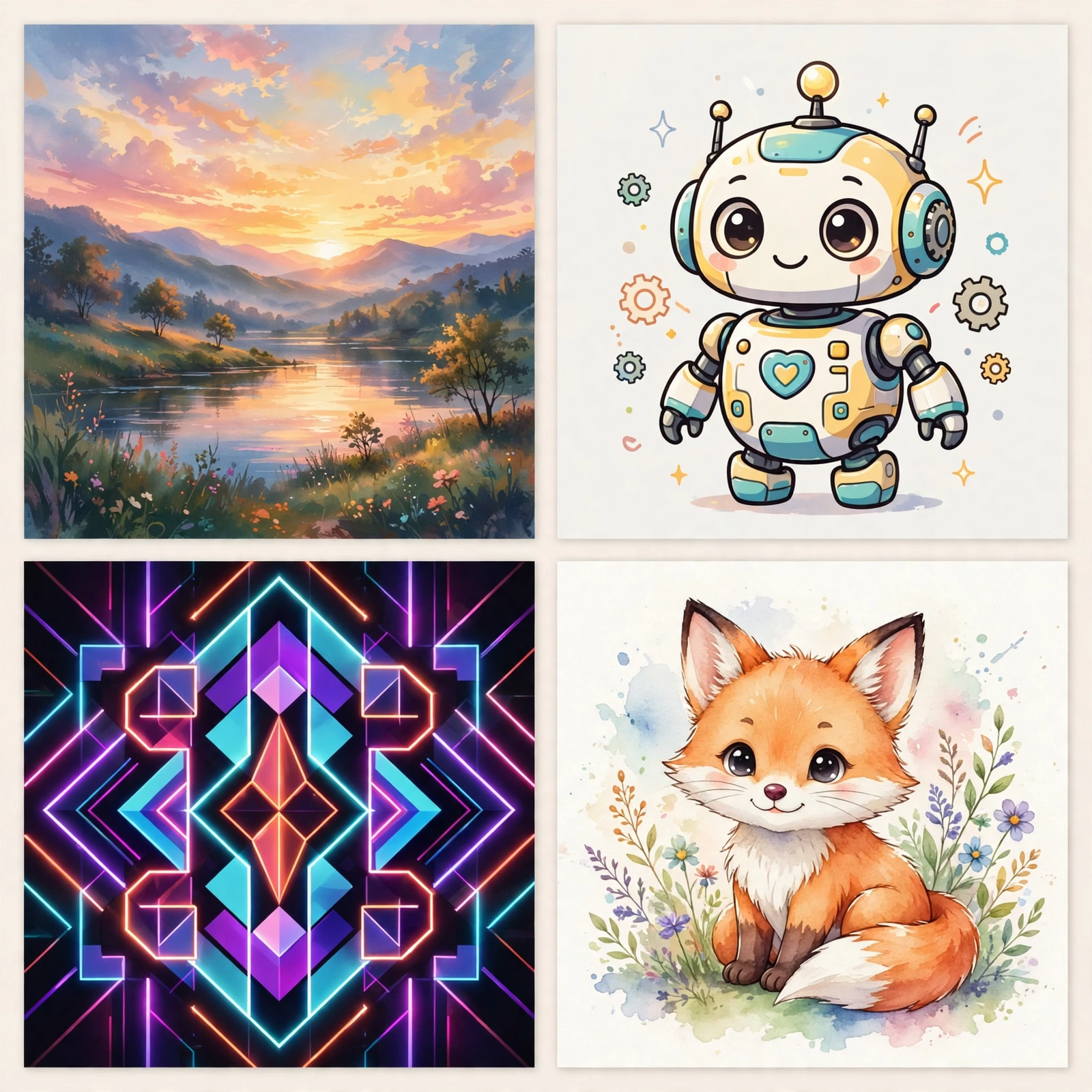
Built into Bing and Microsoft Designer, Image Creator runs on DALL-E technology and is one of the most generous free options available. You just sign in with a free Microsoft account and start typing prompts. There are no subscriptions to manage and no credit card required.
Key features
- Powered by DALL-E for strong prompt understanding
- Integrated into Bing search, Edge sidebar, and Microsoft Designer
- Simple interface with no learning curve
Free plan
Image Creator is free to use with a Microsoft account. Generations run on a “boost” system — boosted generations are fast, and once boosts run out, generations simply take longer. It is one of the easiest ways to start making AI images today.
3. Canva Magic Media — Best for design projects
If you already make social posts, presentations, or flyers, Canva’s Magic Media is the most convenient choice. Instead of generating an image somewhere else and importing it, you create the image right inside your design, sized perfectly for Instagram, YouTube, or print.
Key features
- Text-to-image and text-to-video generation inside the Canva editor
- One-click background remover, Magic Eraser, and Magic Edit tools
- Thousands of templates to drop your AI images into
Free plan
Canva’s free plan includes a limited number of Magic Media generations, plus access to many of its AI photo-editing tools. If you need more generations, Canva Pro raises the limits — check current pricing to compare.
4. Adobe Firefly — Best for commercially safe images
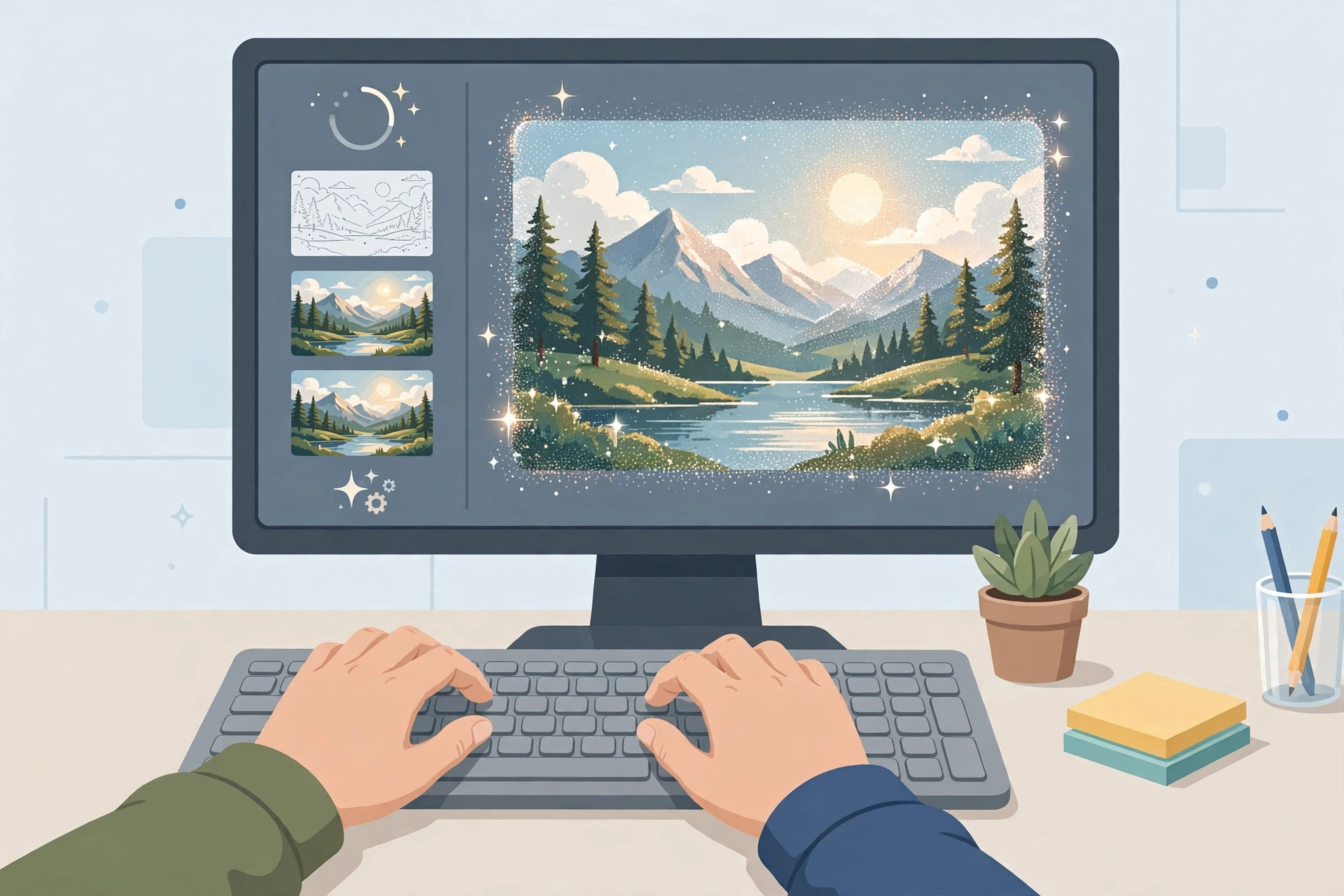
Adobe Firefly stands out because it was trained on licensed Adobe Stock content and public-domain material, which makes its output safer to use in client work and business projects. It lives inside Adobe Express and the Firefly web app, and it plugs into Photoshop’s Generative Fill if you use Adobe apps.
Key features
- Trained on licensed content for safer commercial use
- Generative Fill and Expand in Photoshop and Adobe Express
- Style, color, and composition controls for matching brand looks
Free plan
Adobe offers a free Firefly plan with a monthly allowance of generative credits — check current pricing for the exact number. The free tier is a good way to test commercial-style generations before committing.
5. Ideogram — Best for text inside images
Most image generators mangle words, turning “Happy Birthday” into gibberish. Ideogram was built to solve exactly that problem. It renders readable text in logos, posters, memes, and thumbnails far more reliably than its rivals, which makes it the go-to free tool when your image needs words in it.
Key features
- Best-in-class text rendering inside generated images
- Magic Prompt feature that expands short prompts automatically
- Remix and blend tools for iterating on designs
Free plan
Ideogram has a free plan with a daily limit on prompts — enough for regular thumbnail and poster experiments. Paid tiers raise the limits and add faster generation; check current pricing for details.
6. Gemini — Best all-round AI assistant with image generation
Google’s Gemini can generate and edit images right inside a chat conversation. You describe what you want, and if the first result is not quite right, you just keep chatting — “make the sky warmer,” “add a cat in the corner” — until it is. That conversational editing is perfect if you are new to prompting.
Key features
- Image generation and editing inside a normal chat
- Strong at following multi-step edit instructions
- Free access through the Gemini app and web
Free plan
Gemini’s image generation is available on its free tier. Limits and features can shift as Google updates the product, so check current pricing if you plan to use it heavily.
7. ChatGPT — Best for conversational image creation and editing
ChatGPT’s built-in image generation (powered by DALL-E technology and newer native image models) is ideal when you want to brainstorm visually. You can ask for an image, critique it, and request changes in plain language — no prompt-engineering skills needed. It is especially handy for storyboards, mockups, and quick concept art.
Key features
- Generate and revise images through natural conversation
- Good at following detailed, multi-part instructions
- Useful for mockups, diagrams, and illustrated explanations
Free plan
ChatGPT’s free tier includes image generation with daily usage limits — check current pricing for the latest allowances. For occasional use, the free tier is plenty.
Comparison table: the 7 best free AI image generators at a glance
| Tool | Best For | Free Plan | Standout Feature |
|---|---|---|---|
| Leonardo AI | Detailed art, game assets | Free plan with daily tokens | Fine-tuned community art models |
| Microsoft Image Creator | Completely free generations | Free with Microsoft account | DALL-E quality with zero cost |
| Canva Magic Media | Social posts and designs | Free plan with limited uses | Generate inside your design canvas |
| Adobe Firefly | Commercially safe images | Free plan with monthly credits | Trained on licensed content |
| Ideogram | Text in images, logos | Free plan with daily limits | Readable text rendering |
| Gemini | Chat-based creating and editing | Free tier available | Conversational image editing |
| ChatGPT | Brainstorming and mockups | Free tier with daily limits | Natural-language revisions |
How to choose the right free AI image generator
Start with what you are making. Need a YouTube thumbnail with bold readable text? Go with Ideogram. Building a full social media design? Canva Magic Media saves you the export-import dance. Want the highest detail for art prints or game concepts? Leonardo AI is hard to beat. Worried about using images in client work? Adobe Firefly’s licensed training data gives extra peace of mind.
If you are a student working on projects across subjects, you may also like our roundup of the best free AI tools for students, which covers writing, research, and study helpers beyond image generation.
Tips for better results from free image generators
- Be specific about style: add phrases like “flat vector illustration,” “cinematic photo,” or “watercolor painting” to steer the look.
- Describe composition: mention camera angle, lighting, and background — “soft morning light, blurred background” beats “nice picture.”
- Generate in batches: make 4–6 variations of the same prompt and pick the best; free plans usually allow this.
- Iterate with edits: tools like Gemini, ChatGPT, and Leonardo let you refine an image instead of starting over.
- Upscale the winner: most tools include a free upscaler — use it before publishing so small images do not look blurry.
Once you have great still images, you might want to bring them to life. Check out our guide to the best AI video generators for beginners to turn your visuals into motion.
Conclusion
You do not need a paid subscription to create impressive AI imagery in 2026. Microsoft Image Creator and Gemini give you capable generation for free, Leonardo AI rewards you with stunning detail, Ideogram nails text, Canva keeps everything in your design workflow, Firefly keeps things commercially safe, and ChatGPT makes the whole process conversational. Pick one based on your project, learn its free limits, and start experimenting — your first great image is one good prompt away.
FAQ
Are free AI image generators really free?
Yes, with limits. Most tools on this list offer a genuinely free tier — usually a daily or monthly allowance of generations — without requiring a credit card. Heavy users will eventually hit the caps, but casual creators can often stay on the free plan indefinitely.
Can I use AI-generated images commercially?
It depends on the tool’s terms of service, which can change. Adobe Firefly is marketed as commercially safe because of its licensed training data, while other tools have their own usage terms for free-tier generations. Always read the current terms of the specific tool before using images in client work or products you sell.
Which free AI image generator is best for beginners?
Microsoft Image Creator and Gemini are the easiest starting points — no complex settings, just type and generate. If you want more artistic control later, Leonardo AI is the natural next step up.
Why does text in my AI images look misspelled?
Most image models struggle with letterforms because they generate pixels, not fonts. Ideogram is the notable exception on this list and renders readable text far more reliably, which is why it is the best pick for thumbnails, posters, and memes.
How do I write better image prompts?
Include four things: the subject, the style, the composition, and the mood. For example: “a cozy coffee shop interior (subject), warm watercolor illustration (style), wide angle with window light (composition), calm autumn morning mood (mood).” Specific prompts consistently beat vague ones.
Pingback: 8 Best AI Video Generators for Beginners (2026)
Pingback: How to Use Canva AI Magic Studio: Beginner's Guide