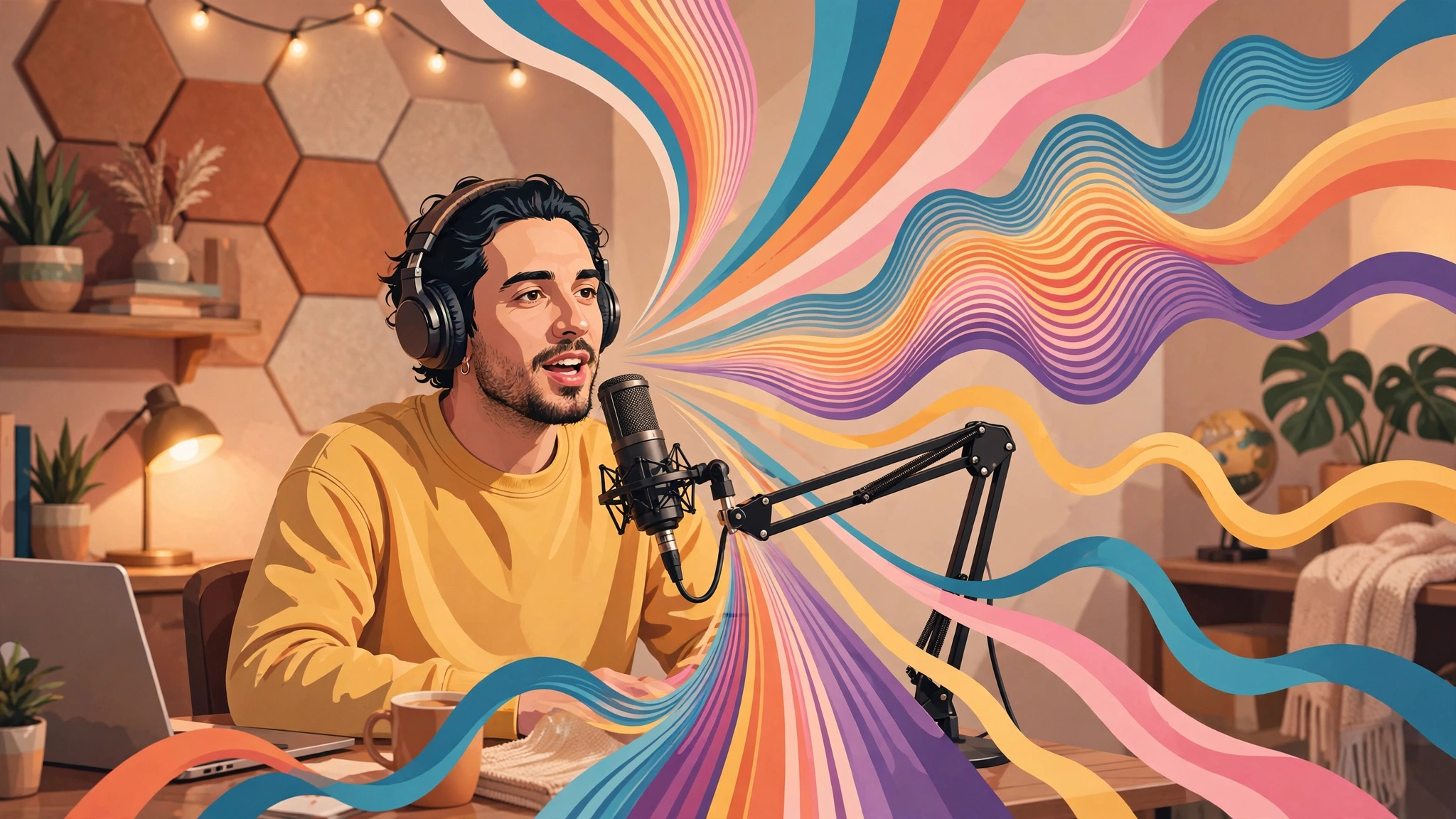
Imagine recording your voice once and then having it narrate every video, podcast episode, or course you ever make — without stepping back into a recording booth. That is exactly what AI voice cloning does: it analyzes a short sample of your voice and builds a digital replica that can read any script you type. Podcasters, YouTubers, course creators, and marketers are using it to produce consistent, studio-quality narration in a fraction of the time.
In this guide, we compare the 7 best AI voice cloning tools to try in 2026. Each tool lets you experiment with cloning — most offer a free tier, free trial, or free preview credits so you can hear the results before you pay. Pricing changes fast in this space, so plans and credit limits are described generically here and you should always check current pricing on the official site before committing.
What Is AI Voice Cloning?
AI voice cloning uses deep learning to reproduce the distinctive characteristics of a human voice — tone, accent, rhythm, pacing, and even emotional inflection. You upload or record a voice sample (anywhere from a few seconds to an hour, depending on the tool), the AI trains a voice model on it, and you can then type any text and have it spoken back in that voice.
Voice cloning sits next to — but is different from — standard text-to-speech. While generic AI voices from our guide to the best AI voice generators sound human but anonymous, cloned voices sound like a specific person. That makes them perfect for brand consistency: your YouTube channel or podcast always sounds like you, even in episodes you narrated from a script typed at midnight.
How to Choose a Voice Cloning Tool
Before picking a tool, weigh these factors against your use case:
- Voice quality and realism: The best clones are nearly indistinguishable from the real voice. Listen to sample outputs — especially how the tool handles long sentences, pauses, and emotional variation — rather than judging by short demo clips alone.
- Sample length required: Some tools clone convincingly from under a minute of audio; others need 30 minutes or more of clean recordings for the highest fidelity. Shorter requirements mean faster onboarding.
- Languages and accents: If you create content in multiple languages, look for tools that preserve your voice’s identity across languages, not just the one you recorded in.
- Ethics and consent safeguards: Responsible platforms verify that you own or have permission to clone a voice. This protects creators and listeners alike — and keeps your projects legally safe.
- Free tier and pricing: Most tools offer a free tier with monthly character or minute limits, plus paid plans for heavier use. Pricing varies widely, so check current pricing on each official site.
- Workflow integration: Look for video editing, dubbing, podcast, and API support that matches how you actually produce content.
Quick Comparison: The 7 Best AI Voice Cloning Tools
| Tool | Best For | Minimum Sample | Free Tier |
|---|---|---|---|
| ElevenLabs | Overall quality and realism | Under 1 minute (instant) | Yes — monthly credit limit |
| Resemble AI | Developers and custom voices | A few minutes | Yes — limited |
| PlayHT | Podcasts and audiobooks | Short sample | Yes — monthly credits |
| Murf AI | Professional voiceovers | Sample upload | Yes — trial credits |
| Speechify | Personal narration and accessibility | Short sample | Yes — limited |
| Descript Overdub | Podcast editing and corrections | ~30 minutes (recommended) | Yes — trial |
| Respeecher | Film-quality voice transformation | Longer samples preferred | Contact/trial |
The 7 Best AI Voice Cloning Tools in 2026
1. ElevenLabs
ElevenLabs is widely regarded as the gold standard for AI voice cloning in 2026, and for good reason. Its Instant Voice Cloning can build a convincing replica of your voice from less than a minute of audio, while Professional Voice Cloning — trained on longer recordings — delivers near-broadcast quality. The platform supports dozens of languages and can keep your vocal identity intact when switching between them, which is a huge win for creators with international audiences.
Standout features:
- Instant voice cloning from a very short sample
- Professional cloning for the highest fidelity
- Voice design, dubbing studio, and conversational AI tools
- Strong multilingual support preserving vocal identity
Best for: Creators who want the most realistic results with minimal effort. A free tier with monthly credits lets you test cloning before upgrading; paid plans are available for higher limits — check current pricing.
2. Resemble AI
Resemble AI is a favorite among developers and businesses building voice into their own products. Beyond basic cloning, it offers a neural audio editing suite where you can tweak individual words in generated speech, plus an API designed for integrating custom voices into apps, games, and customer service systems. Its cloning quality is excellent, and the platform has long positioned itself as an enterprise-grade option with built-in content moderation.
Standout features:
- Developer-friendly API for custom voice integrations
- Fine-grained editing of generated speech
- Localization across multiple languages
- Enterprise controls and consent verification
Best for: Teams and developers embedding cloned voices into apps or automated workflows. A limited free tier is available for testing; paid plans are available for production use — check current pricing.
3. PlayHT
PlayHT has built its reputation on long-form audio: podcasts, audiobooks, and narrated articles. Its voice cloning produces natural-sounding narration that holds up over extended listening sessions, and the platform includes tools for converting blog posts and documents into audio. With a large library of stock voices alongside cloning, it is a one-stop shop for creators who need both custom and ready-made narration.
Standout features:
- Optimized for long-form audio like podcasts and audiobooks
- Blog-to-audio and document conversion tools
- Large library of stock voices plus custom clones
- Voice cloning from a short audio sample
Best for: Podcasters and writers turning written content into audio. If you are also polishing your podcast workflow, pair it with our picks for the best AI podcast editing tools. A free tier with monthly credits is available; paid plans add capacity — check current pricing.
4. Murf AI
Murf AI targets professionals who need polished voiceovers for corporate videos, presentations, e-learning, and advertising. Its voice cloning tool lets you recreate your own voice or a colleague’s (with consent) and then generate narration with fine control over emphasis, pitch, pauses, and pronunciation. The interface feels built for teams: shared workspaces, review flows, and commercial usage rights for business content.
Standout features:
- Granular control over emphasis, pitch, and pauses
- Purpose-built for corporate video and e-learning
- Team collaboration and commercial usage options
- Voice changer and voice-over studio workflow
Best for: Businesses and educators producing professional voiceovers at scale. Trial credits let you test your cloned voice free; paid plans unlock longer projects — check current pricing.
5. Speechify
Speechify started as an accessibility app that reads text aloud and has grown into a full voice platform with cloning. Record a short sample and you can have your own voice read any article, document, or book back to you — or narrate your content for an audience. Its strength is personal use: studying, productivity, and making digital content more accessible for people who prefer listening.
Standout features:
- Clone your voice from a short recording
- Read-aloud features for documents and web pages
- Mobile and desktop apps for listening anywhere
- Studio tools for content creators
Best for: Personal productivity and accessibility — students, busy professionals, and anyone who learns better by listening. A limited free tier exists; paid plans unlock the full voice platform — check current pricing.
6. Descript Overdub
Descript takes a different angle on cloning: its Overdub feature creates a replica of your voice specifically for editing audio. Stumbled over a sentence in your podcast? Instead of re-recording, you type the corrected text and Overdub renders it in your voice, matching the surrounding audio. For a high-quality clone, Descript asks for around 30 minutes of clean training audio — more than most — but the payoff is seamless, edit-friendly narration inside an already excellent audio and video editor.
Standout features:
- Fix mistakes by typing — no re-recording needed
- Integrated into a full podcast and video editor
- Voice avatar trained on your own recordings
- Great for ongoing shows with a consistent voice
Best for: Podcasters and YouTubers who already edit in Descript and want to fix flubbed lines instantly. A trial is available to test Overdub; paid plans are needed for regular use — check current pricing.
7. Respeecher
Respeecher operates at the high end of the market: voice transformation technology trusted by film studios, game developers, and broadcasters. Its approach blends a source voice with a target voice, making it ideal for dubbing, localization, and performance enhancement where Hollywood-grade realism matters. It is less of a self-serve creator tool and more of a professional service — but for productions where quality is non-negotiable, it is in a class of its own.
Standout features:
- Studio-grade voice conversion used in film and gaming
- Excellent for dubbing and localization projects
- Custom voice models built with the team
- Strict consent and verification process
Best for: Studios and serious productions needing top-tier voice transformation. Trials are offered through their team; pricing is quote-based — check current pricing.
How to Clone Your Voice: A Simple 5-Step Process
Most of the tools above follow the same basic workflow. Here is how to get your first clone:
- Record a clean sample. Use a quiet room and a decent microphone. Remove background noise, music, and other speakers — the cleaner the sample, the better the clone.
- Create an account and verify consent. Reputable platforms ask you to confirm that the voice is yours (or that you have permission). This usually involves reading a verification phrase or confirming by email.
- Upload or record your audio. Follow the tool’s guidance on minimum length and audio format. Some tools let you record directly in the browser.
- Generate and test the clone. Once training completes, type a test script that includes tricky words, long sentences, and emotional shifts. Listen critically — small mispronunciations can often be fixed with phonetic spelling.
- Refine and use. Adjust pacing, emphasis, and pronunciation controls until the output sounds natural, then use the voice across your projects — videos, podcasts, courses, and more.
Using Voice Cloning Responsibly
Voice cloning is powerful technology with real ethical implications. Cloning someone else’s voice without their explicit consent can violate privacy laws, impersonation statutes, and platform policies — and in many jurisdictions it carries serious legal consequences. Use these tools only for your own voice or voices you have clear, documented permission to use.
The good news: legitimate platforms have built safeguards into the process. Expect consent verification steps, watermarked or labeled synthetic audio options, and usage policies that prohibit impersonation and fraud. If a tool lets you clone anyone’s voice with no questions asked, that is a red flag — not a feature.
For creators, transparency builds trust. Many audiences appreciate a brief note that narration was AI-generated in your voice — disclosure keeps you on the right side of both regulations and your listeners.
Frequently Asked Questions
Is AI voice cloning legal?
Cloning your own voice, or a voice you have explicit permission to use, is generally legal. Cloning someone else’s voice without consent can break impersonation and privacy laws in many regions. Always get documented permission and stick to platforms that verify consent.
How much audio do I need to clone my voice?
It depends on the tool. Modern instant-cloning features work from under a minute of audio, while higher-fidelity professional clones typically need 10 to 30 minutes of clean recordings. More clean, varied speech usually means a more natural clone.
Can listeners tell a cloned voice from the real thing?
The best clones are very hard to distinguish in short clips, but careful listeners may notice tells in longer content — flat emotion in dramatic passages, odd pauses, or slight mispronunciations. Testing your clone on varied scripts before publishing is always worth the time.
Are there free AI voice cloning tools?
Yes. Most major platforms — including ElevenLabs, PlayHT, Speechify, and Murf AI — offer free tiers or trial credits that let you clone a voice and generate sample audio. Free tiers come with monthly limits on characters or minutes, so they suit testing and light use; heavy production usually needs a paid plan. Always check current pricing on the official site.
What is the difference between voice cloning and text-to-speech?
Standard text-to-speech reads text in a generic stock voice, while voice cloning reproduces a specific person’s voice from an audio sample. For a broader look at generic voices, see our roundup of the best AI voice generators.
The Bottom Line
AI voice cloning has moved from research labs to everyday creator toolkits. For the best overall experience, ElevenLabs remains the benchmark for realism and ease of use. Developers embedding voices into products should look at Resemble AI, podcasters and audiobook creators will feel at home with PlayHT and Descript Overdub, and corporate teams producing professional voiceovers should shortlist Murf AI.
Start with a free tier, record a clean sample, and test your clone on a real script before committing to a plan. With the right tool, your voice can be everywhere your content is — even when you are not at the microphone.
Pingback: How to Create AI Voiceovers for Videos (2026 Guide)