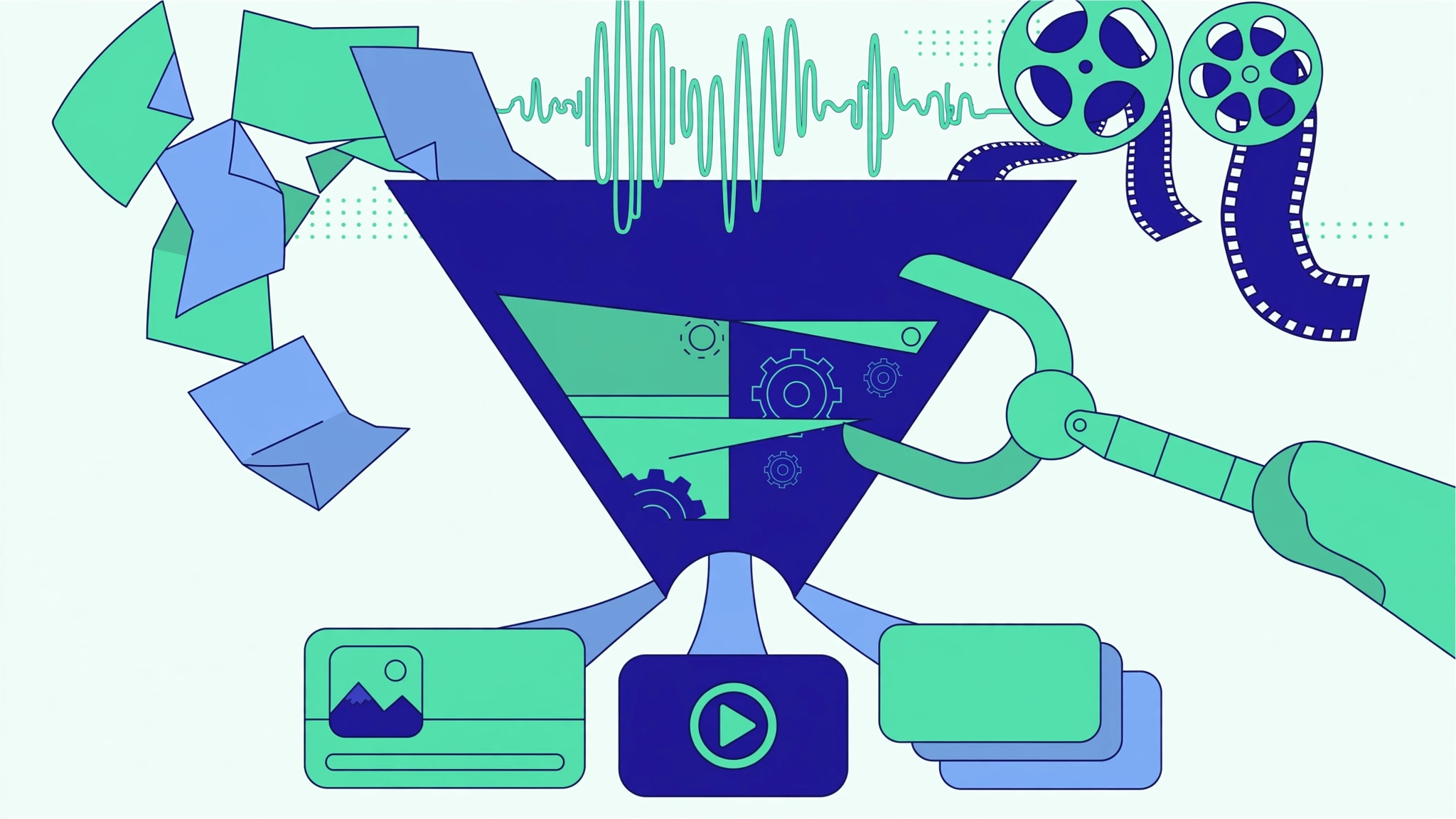
You spent hours writing that blog post, recording that podcast episode, or filming that YouTube video — and then it lived exactly once, on exactly one platform, before fading into the archive. That is the single biggest content leak most creators and businesses face. A great idea deserves more than one life. This is where AI content repurposing tools come in: they take a single piece of content and transform it into dozens of platform-ready formats — short videos, quote graphics, social threads, newsletters, carousels — automatically.
In this guide, we review the 7 best AI tools for content repurposing in 2026, explain what each one does best, and show you how to build a workflow that turns every blog post or video into a week of content. Check current pricing on each tool’s official website before you buy, since plans and limits change frequently.
What Is Content Repurposing?
Content repurposing means taking one piece of content and adapting it into new formats for new channels. A 30-minute podcast episode becomes five short clips for TikTok, a quote carousel for Instagram, a newsletter section, and a blog post. The ideas stay the same; only the packaging changes.
Doing this manually is exhausting. Transcribing an hour of audio, hunting for the best moments, rewriting a blog post into a thread, and resizing visuals for five platforms can take longer than creating the original piece. AI tools remove that bottleneck by automating the three hardest steps:
- Transcription and summarization: turning audio and video into searchable text with key moments flagged.
- Format transformation: turning text into video, long video into shorts, audio into articles, and more.
- Platform optimization: sizing, captioning, and pacing content for each channel’s style.
Repurposing also compounds your SEO and reach. Search engines see more entry points to the same ideas, social algorithms get fresh posts without fresh recording sessions, and audiences that never visit your blog still meet your content on their favorite platform.
The 7 Best AI Content Repurposing Tools
We evaluated tools on repurposing range (how many formats one input can produce), automation level, output quality, ease of use, and value. Here are the seven that stood out.
1. Repurpose.io — Best for Hands-Free Distribution
Repurpose.io is built for creators who want a true “set it and forget it” pipeline. You connect your content sources — a podcast feed, YouTube channel, TikTok account, or webinar platform — and define workflows: new YouTube video automatically becomes clips on TikTok and Instagram, audio versions flow to your podcast host, and links post to your newsletter tool.
- Best for: creators publishing on five or more channels who want automation, not another dashboard.
- Standout feature: trigger-based workflows that detect new content and distribute it with no manual uploads.
- Limitation: it distributes and lightly transforms content rather than generating new creative formats from scratch.
2. Opus Clip — Best for Turning Long Videos into Viral Shorts
Opus Clip takes long-form video — webinars, podcasts, tutorials, interviews — and identifies the moments most likely to go viral as short clips. Its AI scores each candidate clip for hook strength, adds animated captions, and reframes the shot for vertical video so speakers stay centered. For YouTubers and course creators, pairing it with the workflow in our guide to the best AI tools for YouTubers can turn one upload into a week of Shorts.
- Best for: video creators who want short-form content without hiring an editor.
- Standout feature: virality scoring that ranks which moments are worth posting.
- Limitation: caption styling options are limited compared with a dedicated editor like CapCut.
3. ContentFries — Best for Audio-to-Text and Multi-Format Output
ContentFries (formerly known for audio repurposing) ingests podcasts, webinars, and long videos and produces a bundle of text-based assets: show notes, blog drafts, quote graphics, LinkedIn posts, and timestamps. It is especially strong for podcasters who want every episode to also become a searchable blog post and a stack of social posts.
- Best for: podcasters and webinar hosts who need written content from every recording.
- Standout feature: one input produces a full content pack with editable templates.
- Limitation: less focused on video editing; pair it with a clip tool for shorts.
4. Descript — Best All-in-One Audio and Video Repurposer
Descript is a full editor disguised as a document: you edit audio and video by editing their transcripts. Delete a sentence of text and the audio is gone. That same transcript power makes it a repurposing machine — pull quotes, cut highlight reels, export audiograms, and publish polished clips to social, all from one transcript. Podcasters combining Descript with the best AI podcast editing tools can cover both editing and repurposing in a single workflow.
- Best for: creators who want editing and repurposing in one tool.
- Standout feature: text-based editing with Studio Sound, filler-word removal, and one-click clip export.
- Limitation: the learning curve is steeper than single-purpose clip generators.
5. Lately — Best for Social Media Repurposing at Scale
Lately studies the voice and top-performing posts of your brand’s social accounts, then learns to chop long-form content — blogs, videos, podcasts — into dozens of on-brand social posts. Instead of generic summaries, it generates posts in your proven style, complete with hashtags and scheduling. It pairs naturally with the broader set of AI tools for social media content when you want a full publishing system.
- Best for: brands and agencies that publish high volumes of social content.
- Standout feature: AI trained on your own best posts so repurposed content sounds like you.
- Limitation: geared toward social text; you still need a video tool for shorts.
6. Pictory — Best for Turning Scripts and Blogs into Videos
Pictory works in the opposite direction of most clip tools: it turns text into video. Paste a blog post URL or script, and it generates a narrated video with stock footage, captions, and music — perfect for turning your written backlog into YouTube Shorts, Reels, and TikToks. If video is new territory for you, our roundup of the best AI video generators for beginners is a good companion read.
- Best for: bloggers and writers who want video reach without filming.
- Standout feature: automatic scene matching that pairs your script lines with relevant visuals.
- Limitation: stock-footage videos can feel generic; customization takes effort.
7. quso.ai — Best for Fast Clips with Smart Captions
quso.ai (formerly vidyo.ai) converts long videos into short, shareable clips with AI-selected highlights, auto-generated captions, and templates for every major platform. It also offers an AI content planner that suggests what to post next based on your repurposed clips, which helps small teams keep a consistent cadence without a content calendar meeting every Monday.
- Best for: small teams and solo creators who want clips plus posting ideas.
- Standout feature: one-click social templates with platform-specific captions and hashtags.
- Limitation: free tier limits processing minutes, so heavy users will need a paid plan.
Pricing note: every tool above offers some form of free tier or trial, with paid plans unlocking more processing minutes, higher resolution exports, and team features. Check current pricing before committing — limits change often in this fast-moving category.

Comparison: The 7 Tools at a Glance
Use this table to pick the right tool for your starting format and main channel.
| Tool | Best Input Type | Best Output | Best For |
|---|---|---|---|
| Repurpose.io | Podcasts, YouTube, webinars | Auto-posted clips and audio | Hands-free multi-channel distribution |
| Opus Clip | Long videos | Viral-scored vertical shorts | Creators chasing short-form reach |
| ContentFries | Audio, webinars | Blog drafts, quotes, show notes | Podcasters needing written assets |
| Descript | Audio and video | Edited clips, audiograms, transcripts | All-in-one editing plus repurposing |
| Lately | Blogs, videos, podcasts | On-brand social posts | High-volume social publishing |
| Pictory | Blog posts, scripts | Narrated videos | Writers going into video |
| quso.ai | Long videos | Captioned clips with templates | Small teams wanting clips plus ideas |
How to Build a Repurposing Workflow (Step by Step)
Tools are only half the equation. Here is a simple weekly workflow that works for bloggers, podcasters, and video creators alike:
- Start with one pillar piece. Record a podcast episode, film a video, or write a long blog post. This is the raw material for the entire week.
- Transcribe it first. Use a transcription tool — our guide to the best AI transcription tools covers the top options — so every word becomes searchable, editable text.
- Extract the highlights. Run the transcript or video through a clip tool like Opus Clip or quso.ai to surface the five strongest moments as short videos.
- Create the text pack. Feed the transcript into ContentFries or Descript to generate a blog draft, show notes, quote graphics, and a newsletter section.
- Schedule the social layer. Push the quotes and takeaways into Lately or Repurpose.io so posts go out across platforms automatically.
- Close the loop. Link every repurposed asset back to the pillar piece — shorts point to the full video, threads point to the blog. Each format feeds the others.
Done consistently, one recording session a week can fill a month-long content calendar.
How to Choose the Right Tool
Match the tool to your starting format. If you start from video, prioritize Opus Clip, quso.ai, or Descript. If you start from writing, Pictory and Lately do the heavy lifting. Then check three practical things:
- Export quality: confirm the resolution and caption styling meet your brand standard on a free trial before paying.
- Processing limits: most tools cap monthly minutes or words on lower plans — estimate your real volume first.
- Integration: direct posting to your platforms saves the step of downloading and re-uploading every asset.
FAQ: AI Content Repurposing Tools
What is the best AI tool for repurposing content in 2026?
There is no single best tool — it depends on your starting format. Descript is the strongest all-rounder for audio and video, Opus Clip leads for video-to-shorts, ContentFries excels at audio-to-text bundles, and Pictory is ideal for turning written content into video.
Can AI really repurpose content without it looking generic?
Yes, if you review the output. The best results come from treating AI as a first-draft engine: let it transcribe, select highlights, and generate variations, then spend ten minutes adjusting captions, picking thumbnails, and matching your voice. That human pass is what separates scroll-stopping repurposing from obvious automation.
Are there free AI repurposing tools?
Most tools on this list offer free tiers or trials with limited processing minutes. They are enough to test the workflow, but creators publishing weekly usually outgrow them and move to paid plans. Check current pricing on each tool’s website, since free limits change frequently.
How much content can one blog post or video become?
A single pillar piece routinely becomes 10–20 assets: several short clips, quote graphics, a thread, a carousel, a newsletter section, and sometimes a full blog post. The exact number depends on how much reusable material the original contains.
Will repurposed content hurt my SEO with duplicate content?
No — reformatting is not duplication in the way search engines penalize. A blog post summarizing your podcast, quote graphics on social, and clips on video platforms each serve different audiences and formats. Just make sure each text version is genuinely rewritten rather than copied verbatim, and link the versions together so search engines see the relationship.
Final Thoughts
Your best content should not have a one-day lifespan. AI repurposing tools turn every blog post, podcast episode, and video into a content engine — one recording session becomes shorts, threads, carousels, newsletters, and blog drafts with minimal extra effort. Pick the tool that matches your starting format, test it on your next pillar piece, and build the weekly workflow above. The compounding effect of showing up everywhere, consistently, is how small creators start looking much bigger than they are.
Pingback: How to Build a Content Calendar with AI (2026 Guide)
Pingback: 7 Best AI Tools for E-commerce Sellers in 2026
Pingback: 7 Best AI Video Editing Tools to Try in 2026 - AI Smartly
Pingback: 5 Best Repurpose.io Alternatives in 2026
Pingback: 7 Best AI Tools for Content Creators in 2026