Podcasting used to be a slow, fiddly craft. You recorded for an hour, then spent three more cutting out pauses, fixing levels, writing show notes, and chopping the episode into social clips. Today, AI tools handle much of that busywork — and the best ones do it well enough that a solo podcaster can publish a polished episode in a fraction of the time it once took.
But the market is crowded, and not every “AI podcast tool” earns its place in your workflow. Some are glorified transcription apps. Others bundle five features you will never use. This guide cuts through the noise with the seven best AI tools for podcasters in 2026, chosen for real-world usefulness: recording quality, editing speed, show-note generation, clip creation, and audio cleanup. Whether you record solo in a spare room or host remote guests every week, there is a tool here that fits.
What AI Tools Can Do for a Podcast (and What They Can’t)
Before picking tools, it helps to know where AI genuinely saves time. Modern podcast AI is strongest at four jobs:
- Transcription: turning your audio into an accurate, searchable transcript in minutes — the foundation for editing, show notes, and SEO.
- Editing: removing filler words, long pauses, and mistakes automatically, or letting you edit audio by editing text.
- Audio cleanup: removing background noise, echo, and uneven volume so a home recording sounds closer to a studio one.
- Repurposing: turning one long episode into show notes, social posts, audiograms, and short video clips.
What AI cannot do is replace your judgement. It cannot decide which story to cut, which guest answer deserves a follow-up, or whether a joke lands. The best workflow is a partnership: AI does the repetitive work, and you keep the creative decisions. The tools below are ranked with that balance in mind.
How to Pick the Right AI Tools for Your Show
Start from your biggest bottleneck, not from a feature list. Ask yourself three questions before spending anything:
- Where does your time actually go? If editing eats your weekend, prioritise an editor like Descript or Podcastle. If recording remote guests sounds rough, start with Riverside or Adobe Podcast.
- Do you record solo or with guests? Solo shows need strong editing and repurposing. Interview shows need reliable remote recording with separate audio tracks for each speaker.
- What does your audience hear? Listeners forgive a lot, but muddy audio and wild volume swings are the fastest way to lose them. If your recording space is noisy, an audio cleanup tool should come first.
Most of the tools below offer a free tier, so you can test them on a real episode before committing. Paid plans are available for heavier use, more exports, or team features — check current pricing on each tool’s website, as plans and limits change often. A good rule of thumb: pick one recording tool, one editing tool, and one repurposing tool. That trio covers almost every podcast workflow without overlapping subscriptions.
The 7 Best AI Tools for Podcasters in 2026
1. Descript — Best All-in-One Podcast Editor
Descript is the closest thing to a complete podcast studio in a single app. You upload or record your audio, Descript transcribes it, and then you edit the episode by editing the transcript — delete a sentence in the text and it disappears from the audio. It is the fastest way most podcasters will ever cut an episode.
Beyond text-based editing, Descript includes Studio Sound, which polishes voices and removes room echo, and an AI filler-word remover that deletes “ums” and “uhs” in one click. Its Overdub feature can generate your own voice to patch a flubbed word, and the built-in clip maker turns highlights into shareable video with captions. For a deeper look at editing-focused options, see our roundup of the best AI podcast editing tools.
Best for: podcasters who want one tool for editing, cleanup, and clips.
Key features: text-based audio editing, automatic filler-word removal, Studio Sound enhancement, AI voice cloning for corrections, automatic captions and social clips.
Pricing: a free tier is available for trying the core features; paid plans are available for longer recordings and advanced features. Check current pricing before you subscribe.
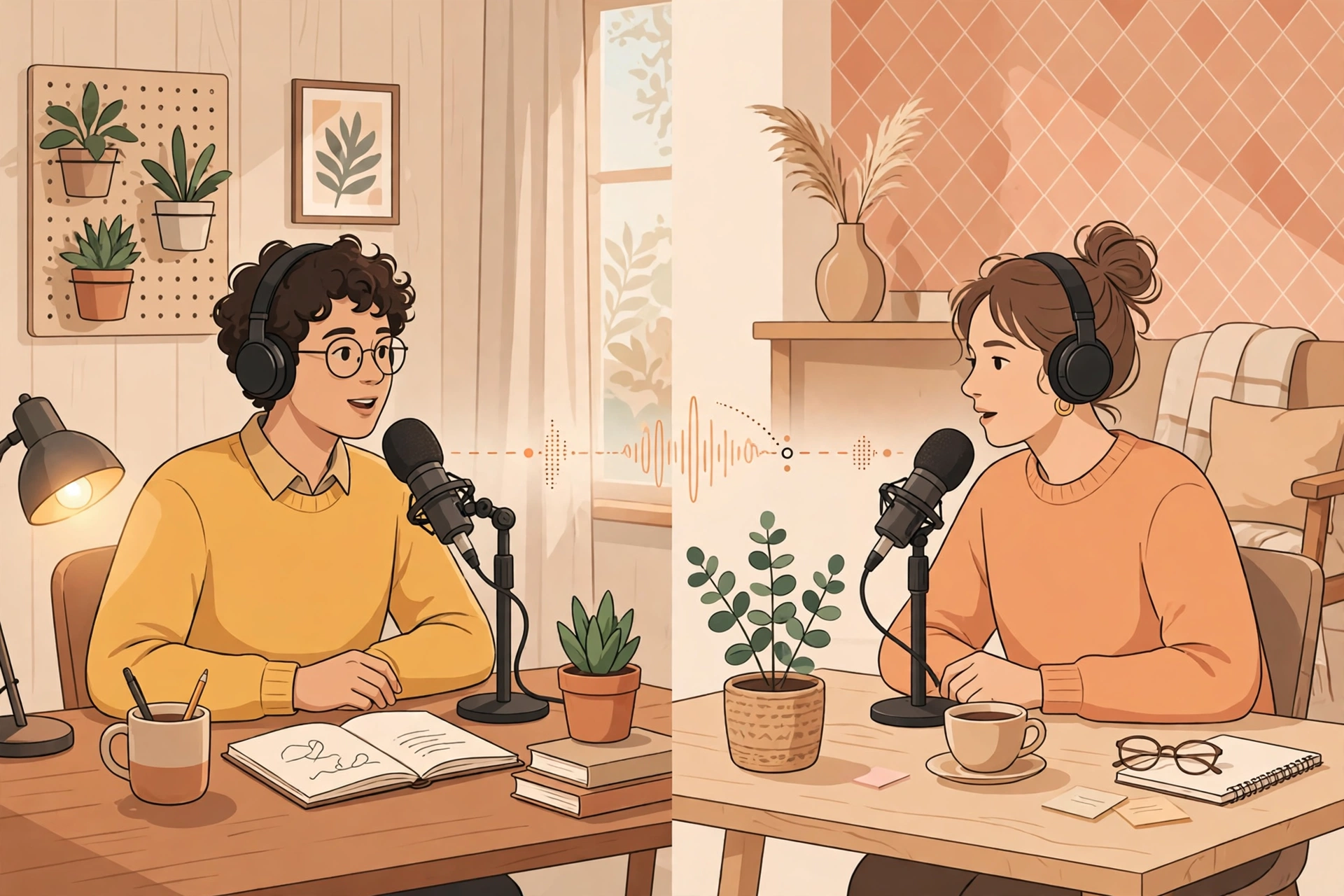
2. Riverside — Best for Recording Remote Guests
Remote interviews are where most podcasts fall apart technically. Riverside solves the biggest problem — bad guest audio — by recording each speaker locally in high quality, then uploading the separate tracks to the cloud. Even if your guest’s internet stutters, their local recording stays clean.
Riverside also bundles AI show notes, transcripts, and Magic Clips, which find shareable moments in your recording automatically. The built-in teleprompter and live producer tools make it a strong choice for video podcasts too, since it records studio-quality video alongside the audio.
Best for: interview shows and video podcasts with remote guests.
Key features: local recording with separate tracks per speaker, 4K video recording, AI-generated show notes and transcripts, Magic Clips for social media, live audience and producer mode.
Pricing: a free tier is available with limited recording time; paid plans are available for longer sessions and more features. Check current pricing before you subscribe.
3. Adobe Podcast — Best Free Audio Cleanup
Adobe Podcast’s headline feature, Enhance Speech, feels almost unfair: upload a recording made on a phone in a noisy room, and it returns audio that sounds like it was recorded on a proper microphone in a treated studio. It removes background noise and echo with a single click, and the free tier is generous enough for many hobby podcasters.
The platform also includes browser-based recording and a simple editor, so you can record, enhance, and do light edits without installing anything. It is less of a full editing suite than Descript, but as a cleanup tool it is hard to beat — especially at its price.
Best for: podcasters recording in untreated rooms or on basic equipment.
Key features: one-click Enhance Speech cleanup, browser-based recording, simple editing, automatic transcription, integration with other Adobe tools.
Pricing: a free tier is available with core enhancement features; paid plans are available for longer processing and premium features. Check current pricing before you subscribe.
4. Podcastle — Best for Beginners Who Want It All
Podcastle packs recording, editing, AI voices, and publishing tools into one friendly dashboard. You can record solo or with remote guests, edit with a text-based editor similar to Descript, and then use its AI voices to create intros, ads, or even a full narration — handy if you want a consistent intro without re-recording it every week.
Its Magic Dust feature cleans up background noise, and the built-in hosting and distribution tools mean you can publish directly to the major podcast platforms. For new podcasters who want one subscription instead of three, Podcastle is the simplest on-ramp.
Best for: beginners and solo creators who want recording, editing, and hosting in one place.
Key features: remote and solo recording, text-based editing, AI voice generation and cloning, one-click noise removal, built-in hosting and distribution.
Pricing: a free tier is available to get started; paid plans are available for more recording hours and AI voice features. Check current pricing before you subscribe.
5. Castmagic — Best for Show Notes and Content Repurposing
Castmagic starts where recording ends. Upload your finished audio and it produces a transcript, show notes, timestamps, titles, social media posts, and even newsletter copy — all generated from the actual content of your episode, not generic templates. If you publish weekly, this is the tool that turns one recording into a week of content.
It also supports custom prompts, so you can teach it your show’s format: “write show notes in my style, with three key takeaways and a quote from the guest.” For a step-by-step approach to show notes, see our guide on how to use AI for podcast show notes.
Best for: podcasters who want show notes, timestamps, and social content from every episode.
Key features: instant transcripts, AI show notes and timestamps, custom prompts and templates, social posts and newsletter drafts, speaker identification.
Pricing: a free trial is usually available; paid plans are available based on recording hours. Check current pricing before you subscribe.
6. Opus Clip — Best for Turning Episodes into Short Video Clips
Short-form video is now one of the most effective ways to grow a podcast, and Opus Clip automates the hardest part: finding the moments worth clipping. It analyses your episode, scores segments for virality potential, and exports vertical clips with animated captions, ready for TikTok, Reels, and Shorts.
The curation is genuinely useful — it looks for hooks, questions, and emotional peaks rather than just cutting at random intervals. If your show is also a video podcast, Opus Clip can pay for itself in the time it saves your editor. It pairs well with the repurposing ideas in our roundup of the best AI tools for content repurposing.
Best for: video podcasters growing an audience on TikTok, Reels, and Shorts.
Key features: AI clip scoring and selection, animated captions, automatic reframing for vertical video, hook and keyword detection, direct publishing to social platforms.
Pricing: a free tier is available with limited processing; paid plans are available for more clips and longer videos. Check current pricing before you subscribe.
7. Auphonic — Best for Automatic Audio Post-Production
Auphonic is the quiet workhorse of podcast production. Feed it your raw recording and it levels the volume across speakers, removes background noise and hum, cuts silences, and applies loudness standards automatically. The result sounds consistent from episode to episode — the kind of polish listeners notice without knowing why.
Unlike the editors above, Auphonic is not a creative tool; it is a finishing tool. Many experienced podcasters run their edited episode through it as the final step before publishing. It integrates with hosting platforms and supports batch processing, which makes it ideal if you produce several shows or episodes at once.
Best for: podcasters who want consistent, broadcast-standard loudness with zero manual tweaking.
Key features: automatic loudness normalisation, noise and hum reduction, silence trimming, multi-track processing, chapter marks and metadata, publishing integrations.
Pricing: a free tier is available with a monthly allowance of processing time; paid plans are available for heavier use. Check current pricing before you subscribe.
Quick Comparison: The 7 Best AI Tools for Podcasters
| Tool | Best For | Standout Feature | Free Tier |
|---|---|---|---|
| Descript | All-in-one editing | Text-based editing | Yes |
| Riverside | Remote guest recording | Local recording, separate tracks | Yes |
| Adobe Podcast | Audio cleanup | Enhance Speech | Yes |
| Podcastle | Beginners, all-in-one | AI voices and hosting | Yes |
| Castmagic | Show notes and repurposing | Custom prompt templates | Trial |
| Opus Clip | Short video clips | AI clip scoring | Yes |
| Auphonic | Audio post-production | Automatic loudness levelling | Yes |
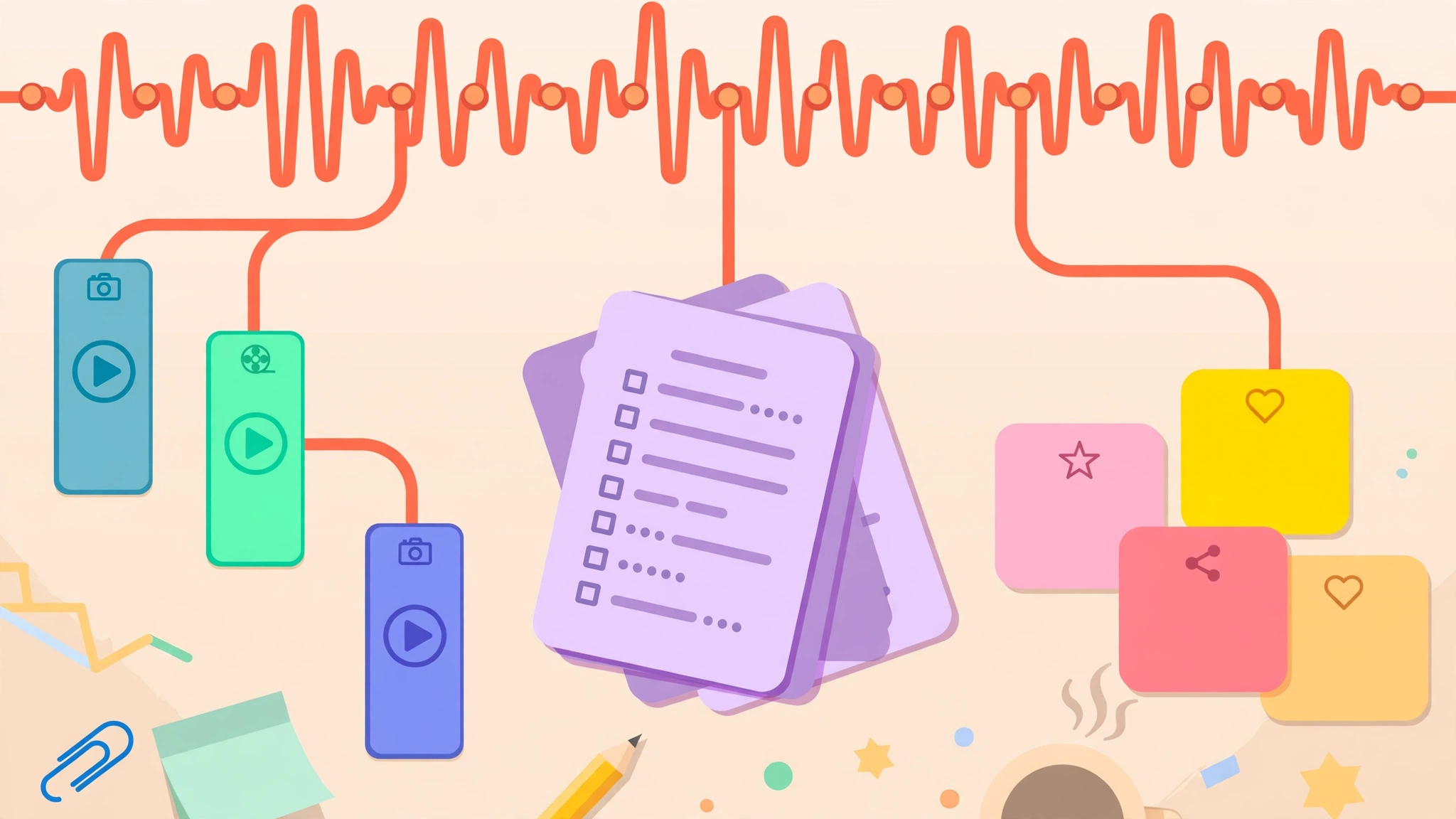
A Simple AI Podcast Workflow, Start to Finish
You do not need all seven tools. Here is a lean workflow that uses three of them to cover the whole process:
- Record with Riverside or Podcastle. Record each speaker on a separate track so you can fix one person’s audio without touching the others.
- Clean the audio with Adobe Podcast or Auphonic. Run Enhance Speech on noisy tracks, or pass the finished edit through Auphonic for consistent loudness.
- Edit in Descript. Cut the episode by editing the transcript, remove filler words in one click, and fix small mistakes with Overdub instead of re-recording.
- Generate show notes with Castmagic. Upload the final audio and get a transcript, timestamps, and social posts in minutes.
- Clip it with Opus Clip. Export two or three vertical clips with captions for TikTok, Reels, and Shorts, and schedule them across the week.
- Publish and promote. Upload to your host, paste in the AI-generated show notes, and share the clips. One episode, five pieces of content.
Run this workflow twice and you will know exactly which tools earn their keep. Drop anything that saves less than thirty minutes per episode — that is the real test of a podcast tool.
Common Mistakes to Avoid
- Stacking overlapping tools. Descript, Podcastle, and Riverside all do some of the same jobs. Pick one primary editor and one primary recorder, and let the others go.
- Trusting AI transcripts blindly. Transcripts are usually 95% accurate, which means the remaining 5% contains the names, numbers, and quotes your audience cares about. Always proofread show notes before publishing.
- Over-cleaning your audio. Aggressive noise removal can make voices sound robotic. Apply cleanup lightly, and listen to the result on headphones before you publish.
- Letting clips replace the episode. Short clips grow an audience, but they work because they point back to a full episode worth listening to. Keep investing in the long-form conversation itself.
- Ignoring your analytics. Most hosting platforms show where listeners drop off. If people leave at the same point every episode, no AI tool will fix that — but a tighter edit will.
Frequently Asked Questions
What is the best AI tool for podcasters overall?
For most podcasters, Descript is the best all-round choice because it combines transcription, text-based editing, audio cleanup, and clip creation in one app. If you record remote guests often, pair it with Riverside for recording. Beginners who want everything in one place may prefer Podcastle instead.
Can AI tools replace a podcast editor?
AI tools can replace much of the mechanical work — cutting pauses, removing filler words, levelling volume, and writing first-draft show notes. They cannot replace the editorial judgement of deciding what to keep, what to cut, and how the episode should flow. Most podcasters use AI to do the first pass, then finish the edit themselves.
Are there good free AI tools for podcasters?
Yes. Adobe Podcast’s Enhance Speech, Auphonic, Descript, Riverside, Podcastle, and Opus Clip all offer free tiers that are genuinely useful for a weekly show. Free tiers usually limit recording time, exports, or processing hours, so check the current limits before you build your workflow around one.
How much do AI podcast tools cost?
Most tools in this guide offer a free tier, with paid plans available for heavier use, longer recordings, or team features. Pricing changes frequently, so check current pricing on each tool’s website before subscribing. Start free, measure how much time a tool saves you per episode, and only pay for the ones that clearly earn it.
Do AI podcast tools work for video podcasts?
Yes. Riverside records studio-quality video alongside audio, Descript and Podcastle both support video editing, and Opus Clip is built specifically for turning long video episodes into short vertical clips. If video is central to your show, prioritise tools with native video support rather than audio-only ones.
Final Thoughts
The best AI tools for podcasters do not make your show for you — they give you back the hours you used to spend on editing, cleanup, and show notes, so you can spend them on the conversation itself. Start with the bottleneck that costs you the most time, test the free tier on a real episode, and keep only the tools that save you at least thirty minutes per show.
A simple stack — Riverside or Podcastle to record, Descript to edit, Castmagic for show notes, and Opus Clip for promotion — covers the entire workflow for most shows. Add Auphonic as a final polish step when your audience starts to grow. Your listeners will hear the difference, even if they never know an AI helped.
Note: pricing and plan details change often. Check current pricing on each tool’s website before subscribing.