7 Best AI Website Builders to Try in 2026
Building a website used to mean one of two things: paying a designer thousands of dollars, or spending weeks wrestling with themes, plugins, and code. AI website builders have changed that completely. Describe your business in a sentence or two, answer a few questions, and an artificial intelligence assembles a complete site — layout, copy, images, and sometimes even the SEO basics — in minutes.
But not all AI builders are equal. Some generate a full multi-page site you can edit visually, others produce sleek single-page portfolios, and a few are really just classic drag-and-drop builders with an AI assistant bolted on. In this guide, we compare the 7 best AI website builders to try in 2026, who each one is for, and how to pick the right one for your project.
What Is an AI Website Builder?
An AI website builder is a tool that uses artificial intelligence to create a website from a short description of your business, project, or idea. Instead of starting from a blank page or a pre-made template, you type a prompt — “I’m a wedding photographer in Austin who wants clients to book shoots online” — and the AI generates a homepage, an about page, service descriptions, contact forms, and matching imagery.
Modern AI builders go further than page generation. Many can:
- Write your copy — headlines, service descriptions, and calls to action drafted from your prompt.
- Generate images — custom visuals instead of generic stock photos.
- Design the layout — color schemes, fonts, and section order chosen to fit your industry.
- Handle SEO basics — meta titles, alt text, and mobile-friendly layouts generated automatically.
- Keep improving — chat-based editing, where you ask for changes in plain language (“make the hero section bolder”).
The result is a site that gets you 80–90% of the way there. You still review, refine, and add your own voice — but the heavy lifting is done for you.

How We Picked These Builders
We focused on builders where AI does real creative work — generating designs and content — rather than tools that only suggest templates. Our picks were evaluated on:
- Quality of AI generation — does the first draft actually look good?
- Editing flexibility — can you refine the result without starting over?
- Feature depth — e-commerce, blogging, booking, analytics, and custom domains.
- Ease of use — could a complete beginner launch a site in an afternoon?
- Value — what you get at each tier (plans change often, so check current pricing on each builder’s site before you commit).
The 7 Best AI Website Builders in 2026
1. Wix AI Website Builder
Wix pairs its long-standing drag-and-drop editor with a conversational AI that interviews you about your goals, then generates a site tailored to your answers. The standout feature is how editable everything is afterward: the AI creates the design, and the full Wix editor — hundreds of apps, templates, and integrations — lets you reshape every element.
Best for: businesses and freelancers who want AI speed plus deep customization. Key strengths: chat-based site generation, a huge app market, built-in e-commerce and booking, and strong multilingual support. Watch out for: the editor can feel busy if you only want a simple site. Wix offers a free tier with Wix branding; paid plans are available if you want a custom domain and no ads — check current pricing on their site.
2. Framer
Framer started as a design tool and grew into one of the most design-forward AI website builders on the market. Its AI takes your prompt and generates genuinely polished, modern layouts — the kind of designs that look like a professional studio made them. A text-based AI editor lets you restyle sections, rewrite copy, and add pages with simple instructions.
Best for: designers, startups, and portfolios where visual quality matters most. Key strengths: stunning default designs, real-time collaboration, responsive layouts by default, and a free tier for publishing basic sites. Watch out for: e-commerce support is more limited than on dedicated shop builders. If branding matters to you, pair your site with a consistent AI-generated brand style guide so your colors and fonts stay unified across every page.
3. 10Web AI Builder
10Web’s AI builder can generate — or recreate — a WordPress website from a prompt. Describe your site, and it produces pages, copy, and images; it can even rebuild an existing website from its URL with AI-generated improvements. Because the output runs on WordPress, you get the full power of the world’s most flexible CMS underneath the AI layer.
Best for: anyone who wants WordPress without the usual WordPress learning curve. Key strengths: WordPress-based (so you own your site and can extend it), AI page recreation, automated performance optimization, and Google Cloud hosting included. Watch out for: you are still, ultimately, running WordPress — updates and plugins are part of the deal. Plans vary by site count, so check current pricing before choosing a tier.
4. Durable
Durable is famous for its bold claim: a full business website in under 30 seconds. Its AI generates the site, copy, and images from a few answers about your business, and adds genuinely useful extras — an AI assistant for your business, automated invoicing, and a CRM-style contact manager. It’s less of a design playground and more of a business-in-a-box.
Best for: service businesses (plumbers, cleaners, consultants) that need a professional site fast and want built-in business tools. Key strengths: extremely fast generation, built-in invoicing and CRM, and AI-written copy tuned for local services. Watch out for: design flexibility is narrower than on Wix or Framer — you trade freedom for speed.
5. Hostinger AI Builder
Hostinger’s AI website builder comes bundled with its web hosting plans, which makes it one of the most affordable ways to get an AI-generated site with a custom domain. Answer a few prompts and the AI drafts your pages, copy, and images; a simple drag-and-drop editor handles refinements. It also includes AI tools for writing blog posts, generating product descriptions, and creating a logo.
Best for: budget-conscious beginners and small businesses launching their first site. Key strengths: very affordable when bundled with hosting, AI content and logo tools included, and straightforward e-commerce options for small shops. Watch out for: template variety is smaller than on the big platforms. Need a logo to match? See our guide to the best free AI logo makers.
6. Jimdo Dolphin
Jimdo’s Dolphin builder has used AI-assisted site creation for years, and it remains one of the simplest options available. A short questionnaire produces a complete, mobile-ready site with text and images matched to your industry. The editor is deliberately minimal — you won’t get lost in menus — and it includes legal text generators that are handy for European businesses.
Best for: total beginners and tiny businesses that want the simplest possible path online. Key strengths: the easiest onboarding of any builder here, automatic image selection, built-in legal page helpers, and solid uptime. Watch out for: customization is limited; power users will outgrow it quickly.
7. B12
B12 takes a different approach: AI drafts your website, then human designers and copywriters review and refine it before it goes live. The result blends AI speed with professional polish — you get a site that reads like a copywriter wrote it, because one did. B12 also offers ongoing design and copy support on its plans.
Best for: professional services (law firms, clinics, agencies) that want a hands-off, premium result. Key strengths: human expert review on every site, fast turnaround, and built-in scheduling, payments, and client intake features. Watch out for: it costs more than pure DIY builders — check current pricing to see if the done-for-you model fits your budget.
Quick Comparison
| Builder | Best For | Standout Feature | Free Option? |
|---|---|---|---|
| Wix AI | Businesses wanting deep customization | Chat-based generation + full editor | Yes, with branding |
| Framer | Portfolios and startups | Studio-quality default designs | Yes, basic sites |
| 10Web | WordPress lovers | AI rebuilds any site on WordPress | Trial available |
| Durable | Local service businesses | Site + invoicing + CRM in seconds | Trial available |
| Hostinger AI | Budget first sites | Bundled with cheap hosting | No, but affordable plans |
| Jimdo Dolphin | Absolute beginners | Simplest onboarding anywhere | Yes, with branding |
| B12 | Hands-off professional sites | Human expert review included | No, premium service |
Pricing and free-tier details change frequently — always check current pricing on each builder’s official site before you decide.
How to Choose the Right AI Website Builder
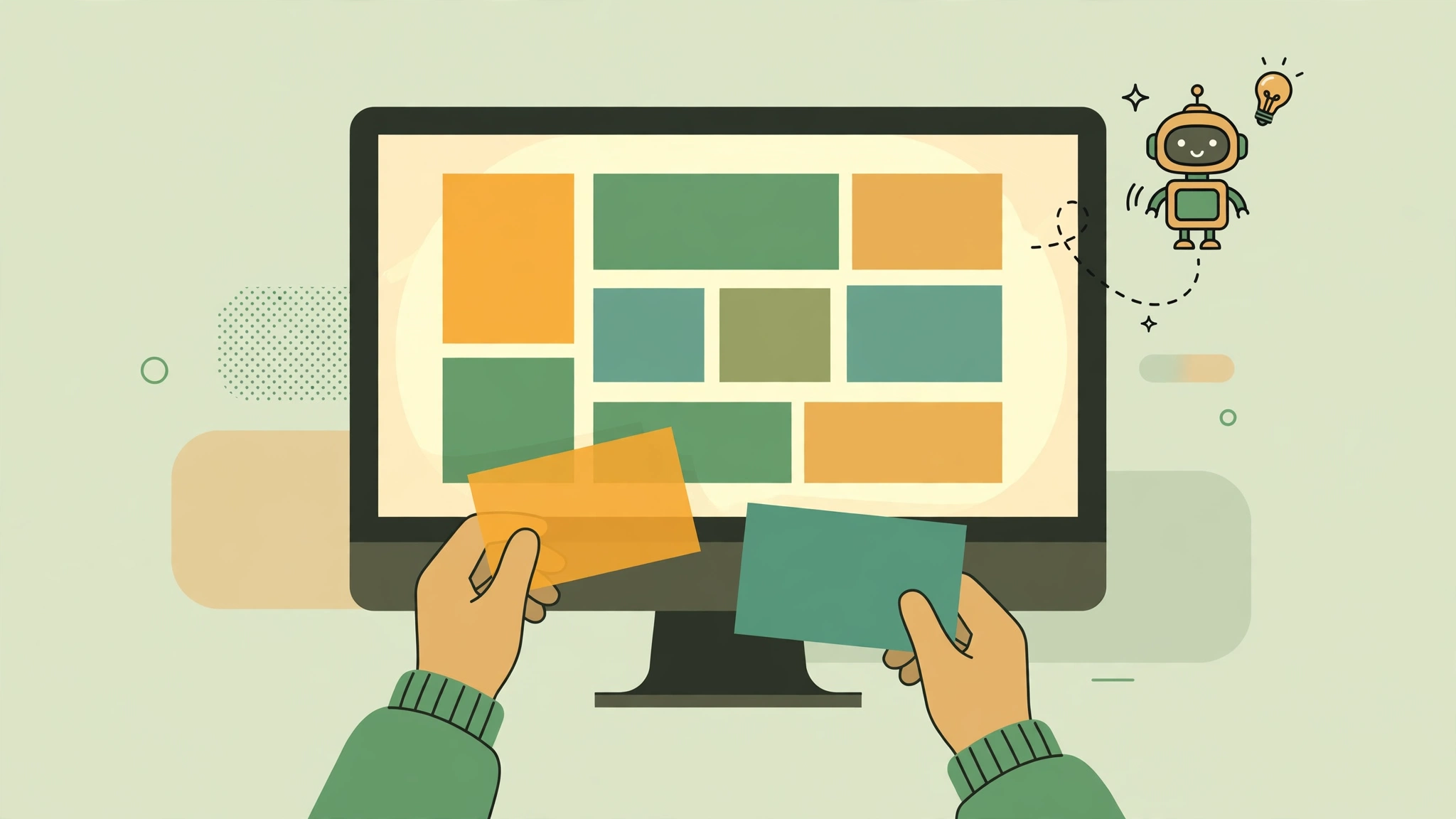
With seven strong options, the right pick comes down to your situation. Ask yourself:
- What is the site for? A portfolio needs visual polish (Framer). A plumbing business needs speed and booking (Durable). A blog or content site benefits from WordPress power (10Web).
- How much control do you want? If you love tweaking, pick Wix or Framer. If you want to be hands-off, B12 or Durable fits better.
- Do you need e-commerce? Not every AI builder handles online stores well. Confirm product pages, payments, and inventory features before committing.
- What is your budget? Hostinger’s bundle is the cheapest path to a custom domain; free tiers on Wix, Framer, and Jimdo work for testing, but expect branding or limits.
- Will you blog? If content marketing is part of your plan, a WordPress-based builder makes publishing and SEO much easier long-term.
- Do you care about design quality? Compare the AI-generated demo sites side by side. First impressions of the output usually predict how happy you’ll be.
Most builders offer free trials or free tiers, so the best strategy is to shortlist two or three, generate a test site on each with the same prompt, and compare the results. The one that needs the least editing usually wins.
Also remember that an AI-generated site is a starting point, not a finished product. Review every line of AI-written copy for accuracy, replace placeholder details with your real information, and add your own photos wherever possible — real images of you, your team, and your work build trust in a way generated visuals can’t. For design work beyond what a builder offers, the best AI tools for graphic designers can help you create custom banners, social graphics, and brand assets.
Frequently Asked Questions
Can an AI website builder really make a good website?
Yes — for most small business sites, portfolios, and landing pages, modern AI builders produce genuinely good first drafts. The designs are current, the copy is coherent, and the sites are mobile-friendly out of the box. The key is treating the AI output as a starting point: review the copy, swap in real photos, and fine-tune the details. The best results come from AI speed plus human judgment.
Are AI website builders good for SEO?
Most generate the technical basics automatically — mobile-friendly layouts, meta titles, alt text, and clean URLs. Wix, Framer, and WordPress-based builders like 10Web offer deeper SEO controls such as custom meta descriptions, schema markup, and blog publishing. For competitive keywords, you’ll still need a content strategy and real backlinks; the builder only handles the on-page foundation.
Can I switch builders later if I change my mind?
Switching builders usually means rebuilding your site, since each platform uses its own system — there is no one-click migration between Wix, Framer, and the others. The main exception is WordPress-based builders like 10Web: because the output is a standard WordPress site, you can move your hosting and keep everything. Before you commit, make sure you can export your content and that you own your domain name separately.
Do AI website builders replace web designers?
For simple sites, they largely replace the need to hire someone for the build itself. But designers still matter for complex projects, custom branding, and high-end visual work. Think of AI builders as handling the 80% of websites that are straightforward — brochure sites, portfolios, and small shops — while designers focus on the 20% that need a human touch.
Final Verdict
The best AI website builder in 2026 depends on what you value most. Wix AI is the safest all-rounder with its chat-based generation and deep editor. Framer wins on pure design quality. 10Web is the pick for WordPress fans. Durable gets service businesses online fastest, Hostinger AI is the budget champion, Jimdo Dolphin is the simplest start, and B12 delivers a professionally reviewed result without the DIY work.
Whichever you choose, remember the golden rule: generate with AI, then review like a human. Check every fact in the AI-written copy, confirm the pricing details are current, and make the site unmistakably yours before you share it with the world.