How to Use AI to Declutter and Organise Your Home: A Step-by-Step Guide (2026)
Cluttered drawers, a wardrobe you can barely close, a garage full of “I’ll deal with that later” — sound familiar? Most of us know we should declutter, but the project always feels too big to start. This is exactly where artificial intelligence can help. In this guide, you’ll learn how to use AI to declutter and organise your home faster and with far less decision fatigue: from making a room-by-room plan, to deciding what to keep, sell, or donate, to setting up storage systems that actually stay organised.
You don’t need any special app or subscription to get started. A free chatbot like ChatGPT, Claude, or Gemini — plus your phone camera — is enough to turn an overwhelming mess into a manageable, even enjoyable project. Let’s walk through it.
Why AI Is a Great Decluttering Partner
Decluttering stalls for three predictable reasons: we don’t know where to start, every object forces a tiny decision, and we lose momentum halfway through. AI helps with all three:
- Planning: Ask an AI assistant to build a realistic room-by-room schedule based on your home’s size and the hours you have each week.
- Decision support: Describe an item you’re unsure about — how often you use it, its condition, its sentimental weight — and get structured questions back that make the keep-or-let-go call easier.
- Organisation systems: AI can suggest storage categories, labelling schemes, and inventory layouts tailored to your rooms, so organised rooms stay organised.
- Resale and donation logistics: From writing classified-ad listings to finding local donation pick-up services, AI speeds up the “getting stuff out of the house” step, which is where most decluttering projects die.
Think of AI as a patient, non-judgmental organising coach that never gets tired of your twentieth “but what if I need this someday?”
The AI Decluttering Method: A Step-by-Step Procedure
Follow these eight steps for any room in your home. The whole approach scales — use it for a single junk drawer or an entire house.
- Photograph the room. Take a few wide shots and close-ups of the cluttered areas. Upload them to a vision-capable AI assistant (most major chatbots now accept images) and ask it to list everything it can see, grouped by category. This gives you an objective inventory to work from.
- Set your boundaries. Tell the AI how much time you have, whether you live alone or with family, and any hard limits (for example: “I can only donate, not sell, because I have no car”). Ask it to draft a session plan with realistic time boxes, e.g. four 45-minute sessions for a bedroom.
- Sort into five piles. Use the classic categories — Keep, Donate, Sell, Recycle, Trash — and ask the AI to create decision rules for your specific items. For example: “If I haven’t worn it in 12 months and it isn’t a formal outfit, it goes in Donate.”
- Work through keep/donate/sell decisions. For items you’re stuck on, paste a short description into the chat (“a bread maker, used twice, works fine, takes up a whole shelf”) and ask for a structured verdict with reasoning. The AI’s questions often reveal what you already know.
- Process the “out” piles immediately. Ask the AI to draft donation drop-off lists, write marketplace listings for items you’re selling, and look up local recycling rules for electronics and textiles. Getting things out the door the same week is the secret to permanent results.
- Design your storage system. Tell the AI what you kept, the size of your shelves and cupboards, and ask it to suggest zones, containers, and a labelling scheme. Photograph your empty shelves and ask for a placement plan.
- Build a home inventory. As you put things back, snap photos or type quick lists, and ask the AI to format them into a searchable inventory — by room, by category, or as a spreadsheet you can keep on your phone. Pairing this with a second-brain notetaking system makes it easy to find anything later.
- Schedule maintenance. Ask the AI to create a lightweight monthly and seasonal maintenance checklist so clutter never builds up again. A 15-minute weekly reset is all most homes need.
Best Ways to Use AI at Each Stage
1. Planning and scheduling
Instead of a vague “declutter the house” goal, ask your AI assistant for something concrete:
“I live in a 2-bedroom flat with a kitchen, bathroom, hallway, and balcony. I have 5 hours a week for the next month. Create a room-by-room decluttering schedule, hardest rooms first, with each session under 90 minutes.”
You can also ask it to estimate how long each zone will take, build in buffer days for donation runs, and suggest the best order so the mess never blocks your daily life (hint: never start with the kitchen).
2. Sorting and categorising with photos
Vision-capable AI assistants can look at a photo of a messy shelf or drawer and identify items, group them into categories, and even flag duplicates. Try prompts like “List everything visible in this drawer, grouped by type” or “Which of these items look like duplicates?” This is especially useful for storage rooms and attics where you’ve forgotten what’s even in the boxes.
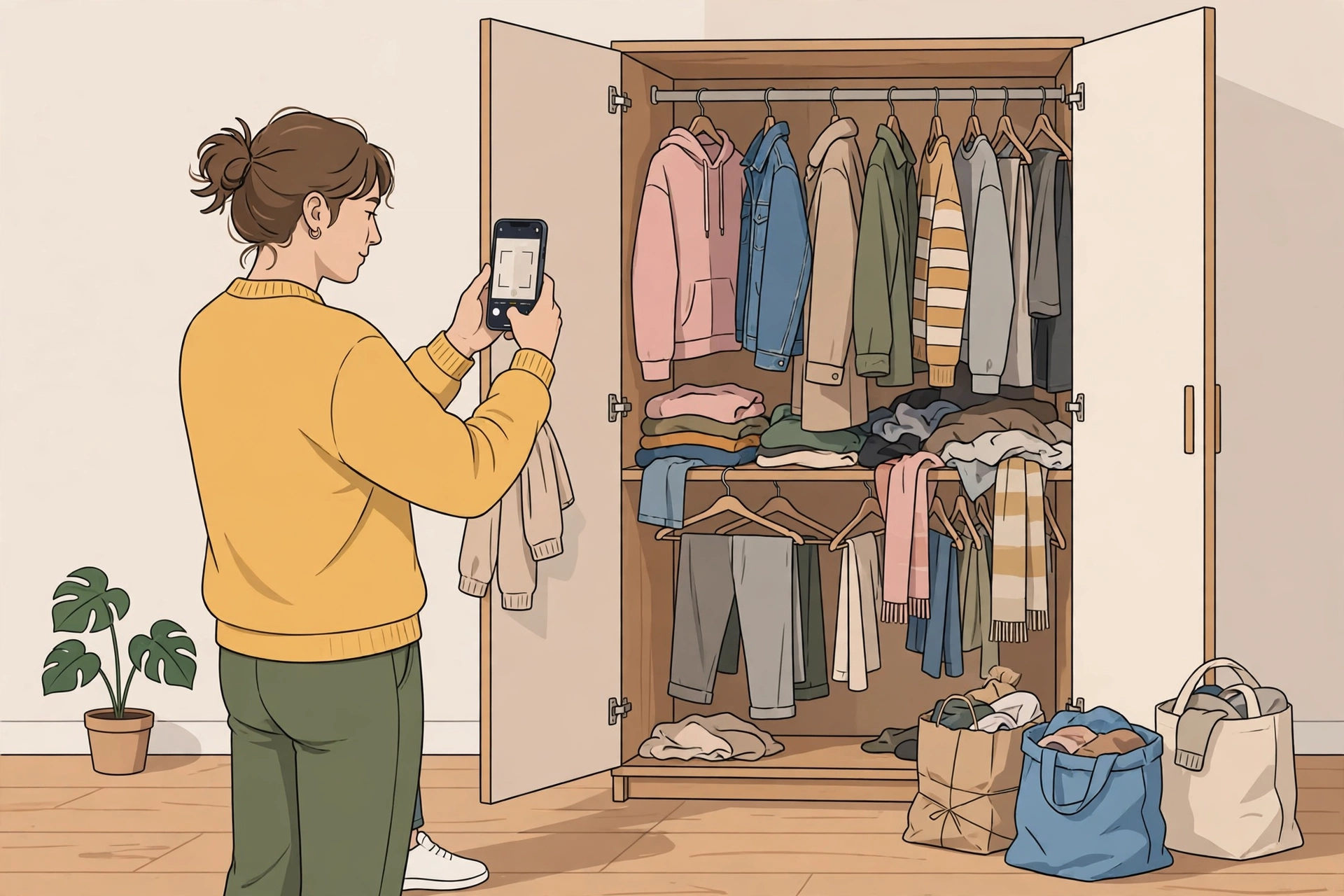
3. Making keep, donate, or sell decisions
Decision fatigue is the number-one decluttering killer. Offload the mental framework to AI with a prompt template like this:
“Act as a decluttering coach. For each item I describe, ask me: when I last used it, whether it still works, if it has sentimental value, and whether a replacement would cost less than the space it takes up. Then recommend Keep, Donate, Sell, or Discard — and be honest, not gentle.”
The AI won’t decide for you, but it forces you to answer the questions that matter instead of circling the same item for ten minutes.
4. Selling what you declutter
Once you’ve decided what goes, AI can write your listings. Upload a photo of the item, describe its condition honestly, and ask for a marketplace title, description, and a fair asking-price range. Then take clean, well-lit product photos — our guide to using AI for product photography has practical tips for making second-hand items look their best. Good photos plus AI-written descriptions sell noticeably faster than blurry snaps with one-line captions.
5. Organising what stays
After decluttering, ask AI to design your storage layout. A prompt like “Here are the 40 items I kept for my home office; my desk has two drawers and one shelf. Suggest zones and a labelling scheme” produces surprisingly practical answers. If you want to visualise the end result before buying storage boxes, our roundup of AI interior design tools shows how to mock up an organised room digitally first.
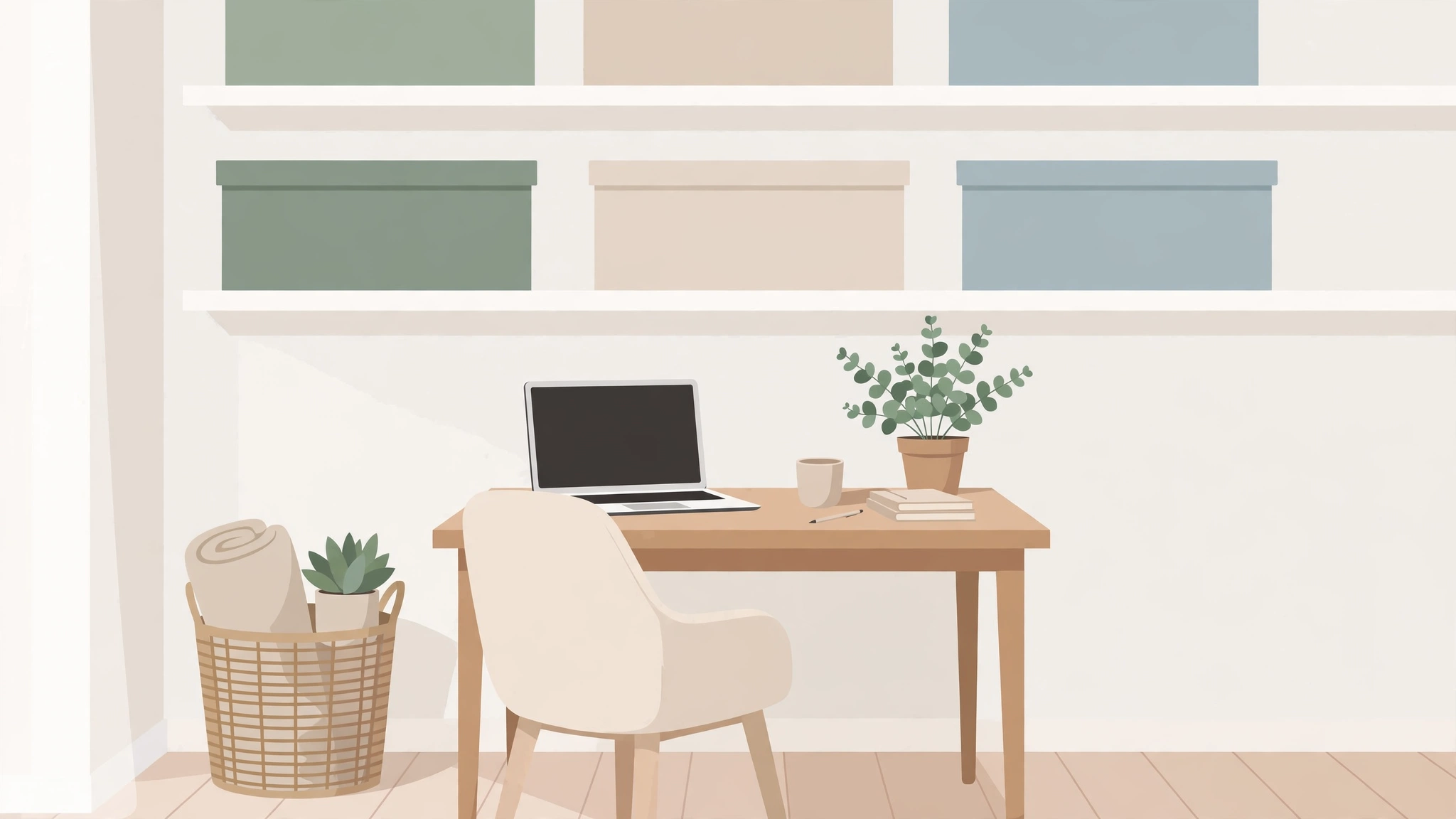
6. Staying organised long term
Ask your AI assistant to generate a maintenance system: a weekly 15-minute reset checklist, a seasonal deep-clean schedule, and a “one in, one out” rule customised to your shopping habits. Set a recurring calendar reminder for the weekly reset, and clutter stays under control with minimal effort.
Copy-Paste AI Prompts for Every Room
Use these prompts as starting points and adapt them to your home:
- Bedroom wardrobe: “Help me declutter my wardrobe. I own about 60 clothing items. Give me a sorting checklist, category definitions (keep, donate, sell, discard), and decision questions for each garment type.”
- Kitchen: “I have duplicate kitchen gadgets and expired pantry items. Create a step-by-step decluttering plan for a small kitchen, including how to check expiry dates and what to do with duplicate utensils.”
- Home office / paperwork: “Help me sort 3 years of paperwork. Tell me which documents to keep physically, which to scan, and how long to retain tax and financial records in my country. Give me a filing system.”
- Kids’ rooms and toys: “My kids’ room is overflowing with toys. Suggest a rotation system, criteria for donating outgrown toys, and a fun way to involve the kids in the process.”
- Garage / storage: “I have a garage full of boxes I haven’t opened in years. Create a triage plan: what to check first, how to identify items worth keeping, and safe disposal options for paint, batteries, and old electronics.”
AI Tools That Help with Home Organisation
You don’t need a dedicated “decluttering AI” — general-purpose tools work well, especially when combined:
| Tool | Best for | Plan |
|---|---|---|
| ChatGPT / Claude / Gemini | Plans, decision coaching, prompts, listing drafts | Free tiers available; paid plans available with higher limits |
| Notion AI / note apps | Home inventory databases and maintenance checklists | Free tiers available; paid plans available |
| Google Photos / Apple Photos | Searching photos of your stuff by object (“find the red suitcase”) | Free with storage limits |
| Inventory apps (e.g. Sortly) | Barcoded box and storage-unit tracking | Free tiers available; paid plans available |
Pricing note: AI tool plans change frequently — check current pricing on each tool’s official website before choosing.
Common Mistakes to Avoid
- Decluttering without a plan: Random tidying feels productive but rarely sticks. Always start with an AI-generated schedule.
- Buying storage before decluttering: Organise what’s left after you purge, not before — otherwise you just buy prettier boxes for clutter you should have donated.
- Photographing sensitive items carelessly: Be mindful when uploading photos of documents or valuables to AI services; redact personal details first.
- Letting “sell” piles sit: If an item hasn’t sold in 30 days, drop the price or donate it. A sell pile that sits for months is just clutter with a new name.
- Doing it all in one weekend: Burnout guarantees relapse. Spread the work across several short sessions — your AI schedule should enforce this.
Frequently Asked Questions
Can AI really help me declutter my home?
Yes — not by physically moving anything, but by removing the three biggest blockers: planning overwhelm, decision fatigue, and follow-through. AI chatbots can build room-by-room schedules, walk you through keep-or-donate decisions, draft selling listings, and design storage systems. The physical work is still yours, but the mental load drops dramatically.
What’s the best free AI tool for home organisation?
A free-tier chatbot such as ChatGPT, Claude, or Gemini covers most decluttering needs: schedules, decision coaching, prompts, and checklists all work without paying. If you also want a searchable home inventory, free note-taking apps and Google Photos’ object search add useful structure. Check current pricing on each tool’s official site, since free-tier limits change often.
How do I use AI to decide what to keep or throw away?
Give the AI a short description of the item — what it is, its condition, when you last used it, and any sentimental value — then ask it to apply strict criteria (e.g. unused in 12 months, broken beyond cheap repair, or duplicating something better). Ask it to be honest rather than gentle; the structured questions it asks back usually surface the answer you already had.
Is it safe to upload photos of my home to an AI chatbot?
For general room photos it’s usually fine, but exercise caution: avoid uploading images that show documents, IDs, financial paperwork, or valuables in detail. Most major AI services let you opt out of training-data use in settings — enable that before sharing personal photos, and redact anything sensitive first.
How long does AI-assisted decluttering take?
A typical 2-bedroom home takes most people 4–8 weeks of short sessions (about 5 hours per week) to fully declutter and organise. AI doesn’t shorten the physical work much, but it eliminates the false starts and stalled weekends that usually stretch the project into months.
Start Small, Stay Consistent
You don’t need to overhaul your entire home this weekend. Pick one drawer, photograph it, and ask an AI assistant for a sorting plan — most people are surprised how quickly the first win arrives. Then repeat the method room by room, keep your inventory updated, and let the weekly 15-minute reset protect your progress.
A calm, organised home isn’t about perfection; it’s about having systems that make tidiness the easy default. With AI handling the planning and decision support, you’re free to focus on the one thing only you can do: choosing what truly deserves a place in your home.