Fitness coaching has always been about personal relationships, sharp programming, and consistent accountability. But today’s top coaches are doing more than writing workouts on a whiteboard — they are using AI tools to automate programming, onboard clients faster, analyze form from video, and deliver nutrition guidance at scale. If you train clients online, in a gym, or both, the right AI toolkit can free up hours every week and help you serve more people without burning out.
This guide rounds up the 7 best AI tools for fitness coaches in 2026. For each one, you will find what it does best, who it is for, and how it fits into a real coaching workflow. Note on pricing: plans change often, so check each tool’s current pricing page before you commit — most of the tools below offer a free tier or free trial.
Why fitness coaches are adopting AI in 2026
Before the tool roundup, it helps to understand where AI actually adds value in a coaching business. The wins fall into four buckets:
- Programming at speed. AI can generate a first-draft training plan from a client’s goals, injuries, equipment, and schedule in seconds, leaving you to refine rather than start from zero.
- Client communication. Chat assistants handle onboarding questions, check-ins, and habit reminders, so clients feel supported even between sessions.
- Movement analysis. Computer-vision apps give clients instant feedback on exercise form from a phone video, reducing injury risk when you are not watching.
- Business operations. AI-powered CRM, scheduling, and content tools handle the admin and marketing work that eats into coaching hours.
None of this replaces the coach’s eye or the trust a client places in you. Think of AI as a skilled assistant that handles the repetitive 80% so you can focus on the high-impact 20%.
The 7 best AI tools for fitness coaches
1. TrueCoach (AI program builder)
TrueCoach is one of the most widely used coaching platforms, and its AI program builder is the standout feature. Tell it the client’s goal, training days, equipment, and limitations, and it drafts a full multi-week program with exercise selections and progressions. You review, tweak, and deliver — a process that used to take an hour now takes ten minutes.
- Best for: Online and hybrid coaches who program for many clients.
- Key strengths: Exercise video library, habit tracking, in-app messaging, and payment processing in one place.
- Keep in mind: The AI draft is a starting point, not a final program. Your professional judgment on load, progression, and contraindications is essential.
2. Trainerize (AI-assisted client management)
Trainerize combines workout programming, nutrition tracking, and client engagement in a single platform with AI-assisted features that suggest workout tweaks based on client adherence data. If a client keeps skipping leg day, the system flags it and suggests alternatives — you decide what to change.
- Best for: Coaches and small studios running group challenges and 1-on-1 programs side by side.
- Key strengths: Branded client app, wearable integrations, meal-plan tools, and automated check-in reminders.
- Keep in mind: It is a full platform commitment — great if you want an all-in-one hub, heavier than you need if you only want programming help.
3. CoachRx (AI workout design for strength coaches)
CoachRx is built for strength, conditioning, and functional-fitness coaches. Its AI tools speed up periodization and session design, and the platform handles athlete profiling, testing data, and performance tracking. Coaches who run sports-performance or CrossFit-style programming tend to love the data depth here.
- Best for: Strength and performance coaches who live in data.
- Key strengths: Testing dashboards, exercise variations library, and athlete readiness tracking.
- Keep in mind: More technical than beginner-friendly — a good fit if you already think in training blocks and percentages.
4. My PT Hub (AI business assistant)
My PT Hub leans into the business side of coaching. Its AI features help you build branded programs, auto-generate nutrition plans from client profiles, and manage schedules and payments. It is a strong pick for coaches who want marketing, delivery, and billing in one subscription instead of five.
- Best for: Solo coaches building an online brand.
- Key strengths: Custom-branded apps, built-in nutrition planning, and lead-capture tools.
- Keep in mind: It is a full platform commitment — great if you want an all-in-one hub, heavier than you need if you only want programming help.
5. ChatGPT and other general AI assistants
You do not need a fitness-specific platform for every job. General AI assistants are excellent for the creative and communication side of coaching: drafting onboarding questionnaires, writing client-friendly exercise explanations, brainstorming challenge themes, and summarizing research into plain language. Many coaches use them to write weekly meal-planning frameworks and client education emails in minutes.
- Best for: Every coach — it is the Swiss Army knife of the list.
- Key strengths: Content creation, research summaries, program ideation, and client communication drafts.
- Keep in mind: Never paste client health data into a general chatbot without checking privacy policies, and always verify exercise and nutrition claims against your own expertise.
6. AI form-check apps (computer-vision coaching)
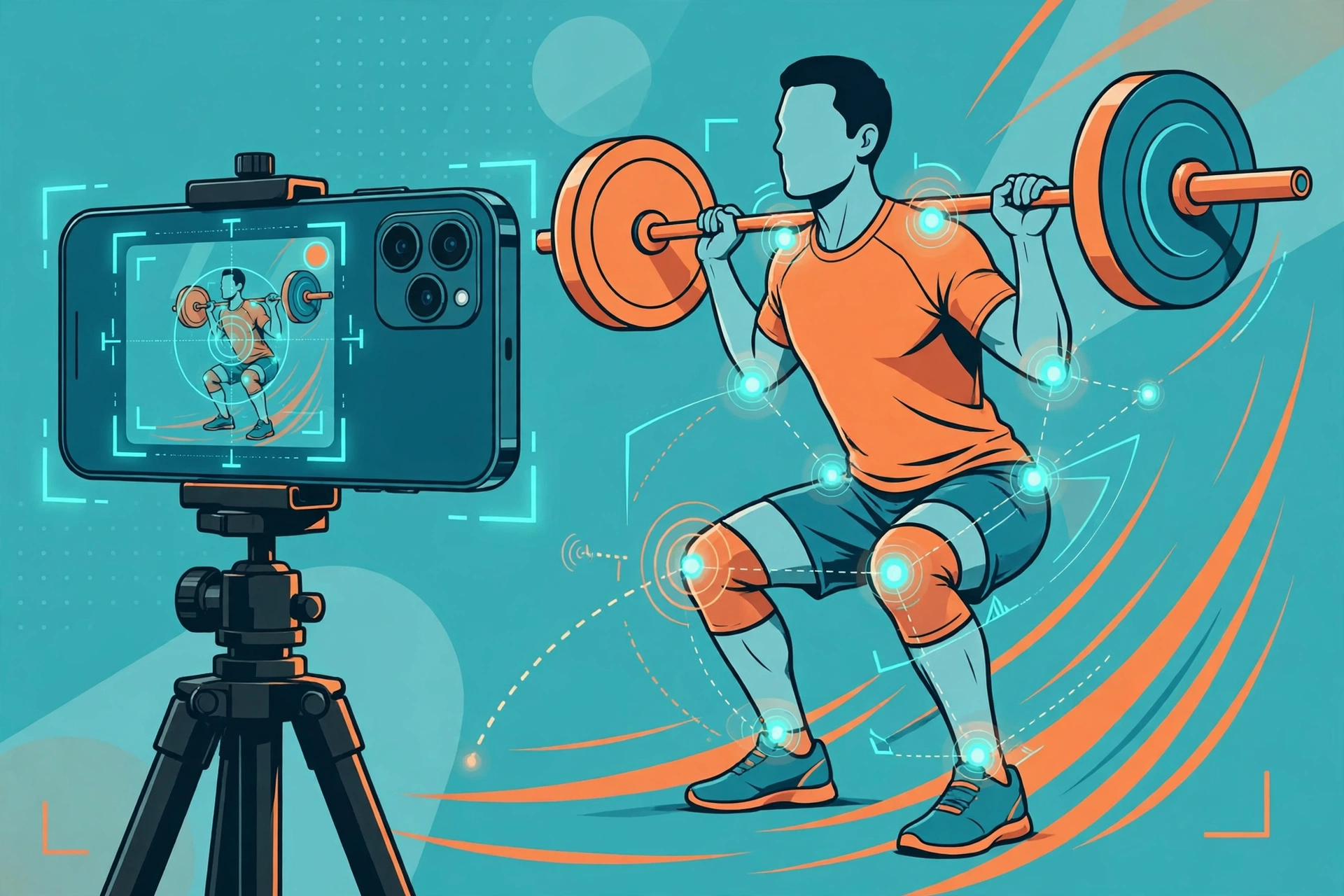
A growing category of apps uses your phone’s camera to analyze squats, deadlifts, push-ups, and other movements in real time. Clients record a set, and the app scores depth, tempo, and alignment, flagging the reps that need attention. As a coach, you can review the flagged reps asynchronously instead of watching every video end to end.
- Best for: Remote coaches who want eyes on form without live sessions.
- Key strengths: Instant feedback for clients, rep-by-rep data for coaches, and safer training when you are not present.
- Keep in mind: Camera angles and lighting affect accuracy — teach clients how to film properly for the best results.
7. Virtuagym (AI engagement and retention)
Virtuagym focuses on keeping clients engaged: AI-driven workout recommendations, community features, challenges, and automated milestone messages. Retention is where coaching businesses live or die, and tools that nudge clients to show up consistently pay for themselves.
- Best for: Gyms, studios, and coaches selling membership-style programs.
- Key strengths: Member app, class scheduling, challenges, and engagement analytics.
- Keep in mind: It shines brightest when paired with a real programming tool — use it for engagement and delivery, and pair it with your preferred programming system.
Quick comparison: which AI tool fits your coaching style?
| Tool | Primary strength | Best for | Free tier or trial? |
|---|---|---|---|
| TrueCoach | AI program builder | Online/hybrid coaches | Free trial available |
| Trainerize | Client management | Coaches + studios | Free trial available |
| CoachRx | Strength programming | Performance coaches | Free tier available |
| My PT Hub | Business all-in-one | Solo online coaches | Free trial available |
| General AI assistants | Content + communication | Every coach | Free tier available |
| AI form-check apps | Movement analysis | Remote coaches | Free tier available |
| Virtuagym | Engagement + retention | Gyms and studios | Demo available |
Pricing changes frequently across this category, so check each vendor’s current pricing page before deciding. Most offer a free tier or a trial period — use it to test the workflow with two or three real clients before migrating your whole roster.
How to add AI to your coaching workflow in 5 steps
- Audit your week. Track where your hours go for two weeks. Programming, admin, and follow-ups are the usual AI-ready tasks.
- Pick one tool for your biggest time sink. Start with programming or client communication — not both at once.
- Set your guardrails. Decide what AI drafts and what you finalize. Programs, nutrition advice, and injury-related guidance should always pass through your professional review.
- Train clients on the new workflow. Show them how to film form-check videos, where to find their programs, and how check-ins work. A two-minute loom video prevents weeks of confusion.
- Measure the payoff. After a month, compare time per client and retention against your baseline. Keep what earns its place and drop what does not.

Common mistakes to avoid
- Publishing AI programs without review. An AI draft does not know your client’s bad shoulder or dodgy knee unless you told it. Review everything.
- Over-automating the relationship. Clients hire coaches for accountability and connection. Automate the reminders, not the empathy.
- Ignoring data privacy. Client health information is sensitive. Use tools with clear privacy policies, and keep identifiable data out of general-purpose chatbots.
- Tool-hopping. Switching platforms every month confuses clients. Commit to one stack for at least a quarter before judging it.
What AI can’t replace in fitness coaching
It is worth saying plainly: no tool on this list can replace a coach who notices a client’s energy is off, adjusts a session on the fly, or celebrates a milestone at exactly the right moment. AI handles volume and repetition; you handle judgment, motivation, and trust. Coaches who combine both — like the AI tools for coaches and consultants playbook describes — end up with more time for the human work that actually changes lives.
FAQ
Are AI workout generators safe for beginners?
They are a useful starting point, but a qualified coach should review every program before a beginner follows it. AI tools do not assess movement quality, medical history, or readiness the way a professional intake does. Use them to draft, then apply your expertise.
Can AI replace a personal trainer?
No. AI can generate workouts and track data, but it cannot read body language, adapt a session mid-workout, or build the accountability relationship that keeps clients consistent. The best results come from coaches who use AI to be more available, not less.
Which AI tool is best for online fitness coaches?
For most online coaches, an AI-assisted programming platform like TrueCoach or Trainerize covers the core need: fast program creation plus client delivery and messaging. Add a general AI assistant for content and communication, and you have a complete lightweight stack.
How much do AI tools for fitness coaches cost?
Costs vary widely, from free tiers on general AI assistants to per-client platform fees on dedicated coaching software. Check current pricing on each vendor’s site, since plans change often — and start with free trials so you only pay for tools that fit your workflow.
Do I need AI tools if I coach in person?
You need fewer of them, but they still help. In-person coaches get the most from AI program builders, form-check apps for homework assignments, and AI content tools for marketing. If you want ideas for video content, AI video editing tools can turn session clips into polished social posts in minutes.