Making a YouTube video used to take a full week. Now, AI tools for YouTubers can compress that timeline into a day or two — from brainstorming your topic to writing the script, recording or generating the voiceover, editing out the dead air, and adding captions. Whether you are starting a faceless channel or just trying to upload more consistently, AI handles the repetitive parts of production so you can focus on the parts that actually grow a channel: good ideas, good storytelling, and showing up.
This guide walks through the full creator workflow — scripts and hooks, AI voiceovers, editing, thumbnails, and the titles and descriptions that help videos get discovered. You will also find a sample workflow from idea to upload, plus a note on keeping your own voice and style front and center.
AI Tools for YouTubers: Writing Scripts That Hold Attention
A video lives or dies in the first 30 seconds. Viewers decide almost instantly whether to keep watching, which is why scriptwriting is where AI pays off the most. AI writing tools are excellent at structuring ideas: give one a rough outline and it will return a full script with a hook, a logical middle, and a clean call to action.
How to Get Better Scripts From AI
Generic prompts get generic scripts. To get something you can actually record, be specific about your audience, the promise of the video, and the tone you want. Try prompts like: “Write a 6-minute YouTube script for beginner photographers explaining the rule of thirds. Open with a hook that poses a question, keep sentences short, and end with one actionable tip.” Then edit the result ruthlessly. Your script should sound like you talking, not like a robot reading.
Hooks, Outlines, and Repurposing
Beyond full scripts, AI tools can generate lists of title and hook ideas for a single topic — perfect when you are testing what resonates. You can also paste in an old blog post or podcast transcript and ask for it to be restructured as a video outline. If you want to compare the strengths of the main writing assistants before picking one, our ChatGPT vs Claude vs Gemini comparison breaks down how each one handles long-form creative work.
AI Voiceovers for Faceless Channels (and Everyone Else)
Not every YouTuber wants to be on camera — or even on mic. AI voice generators have become good enough that many faceless channels in niches like finance explainers, history, and tech news use them for entire videos. Even if you record your own voice, AI tools can clone it from a short sample so you can fix a mispronounced line later without re-recording.
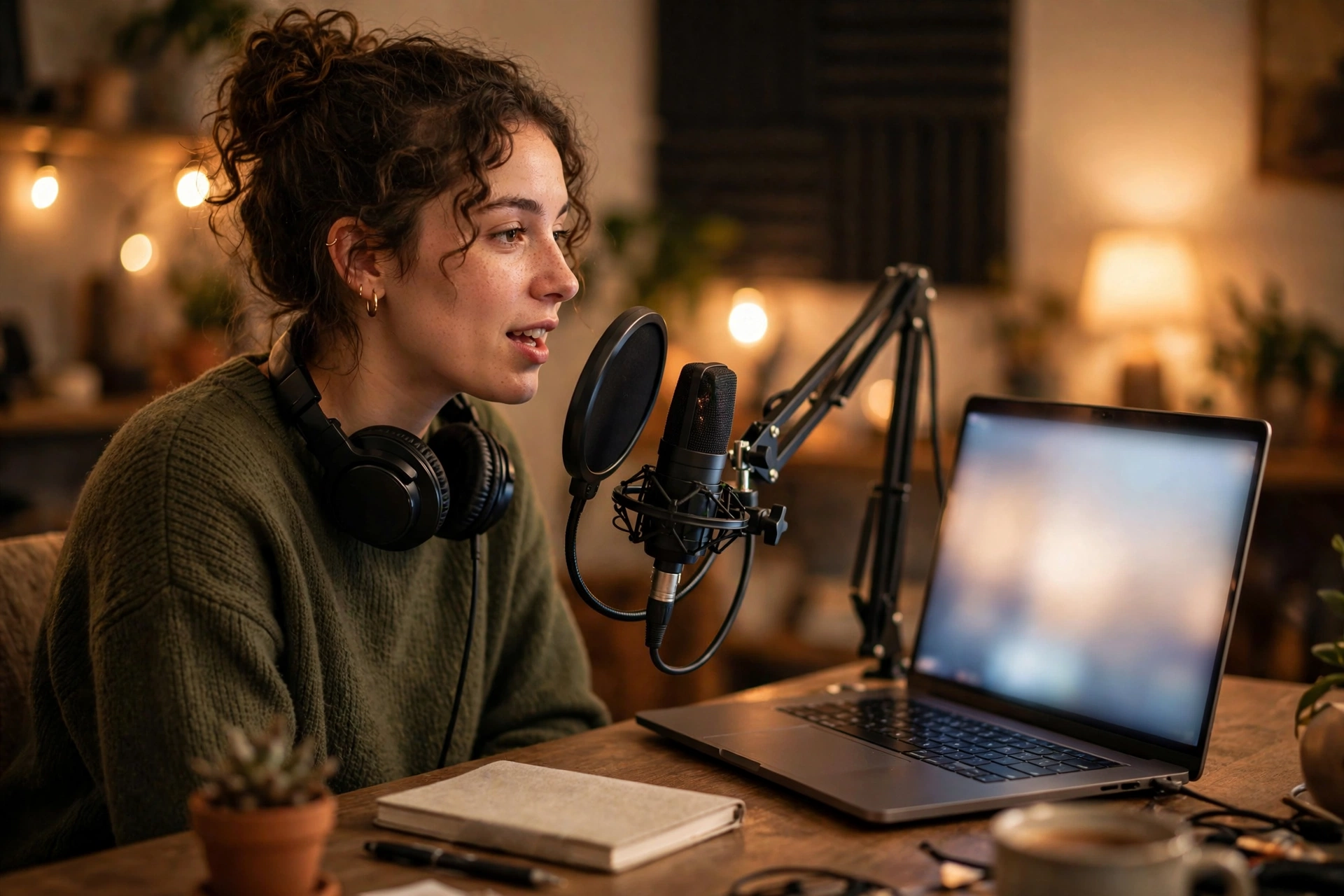
Tips for Natural-Sounding AI Voiceovers
- Pick a voice that fits your niche. A documentary-style channel wants a different tone than a gaming channel. Preview several voices before committing.
- Punctuate for pacing. Commas, periods, and line breaks shape how the voice pauses. Write your script with the voiceover in mind.
- Always listen before publishing. AI voices still stumble on unusual names, abbreviations, and numbers. Proof-listen every line and fix the text where the pronunciation is off.
- Check the platform rules. AI-generated narration is generally fine, but YouTube’s policies around original and repetitive content apply — make sure your videos add real value rather than just reading scraped text aloud.
For a deeper look at the options, see our roundup of the best AI voice generators, which covers quality, languages, and free plans.
Editing: Auto Captions, Silence Removal, and Clips
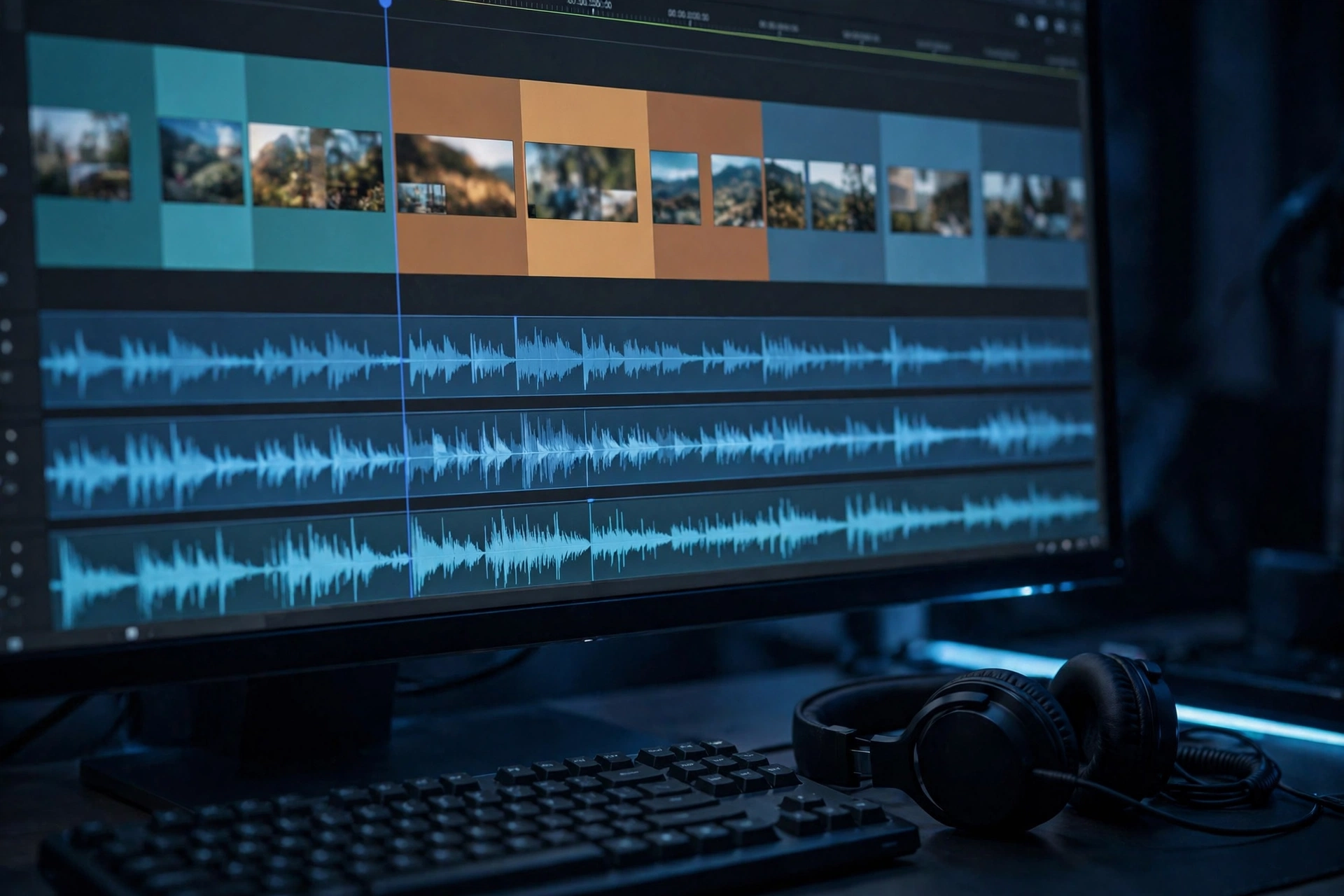
Editing is where most creators lose hours. AI-assisted editors change the math: instead of cutting clips on a timeline, you edit the video by editing its transcript. Delete a sentence from the transcript and the corresponding video clip disappears. It is the fastest way to turn raw footage into a tight video.
The Editing Tasks AI Handles Best
- Silence and filler removal. Automatically cut pauses, “um” and “uh” fillers, and false starts — or at least flag them so you approve each cut.
- Auto captions. Generate accurate subtitles in seconds, then style them for the whole video at once. Captions keep viewers watching when sound is off and make videos accessible. Our best AI transcription tools guide covers the transcription engines behind these features.
- Clip repurposing. AI can scan a long video and suggest short, high-energy moments to export as Shorts — a quick way to feed the algorithm between uploads.
- B-roll and filler visuals. Stuck for footage? AI video generators for beginners can create simple b-roll, animated transitions, and background loops without a camera.
A Quick Note on Quality Control
Auto-edits are a starting point, not a finished product. Always watch the full video once before uploading. AI cuts can remove a pause that was actually building tension, or a caption tool can mishear a brand name. A final human pass is what separates amateur output from professional content.
Thumbnails, Titles, Descriptions, and Tags
The click decides everything. AI can help you brainstorm thumbnail concepts — the composition, the colors, the single emotion to capture — and then you (or an AI image tool) create it. A good rule: design thumbnails that are readable at phone-screen size, with one clear focal point and at most a few words.
For metadata, AI assistants can draft titles in different styles (curiosity gap, how-to, listicle) so you can pick the best one, and write descriptions with timestamps, links, and keywords. Tags matter less than they used to, but a few relevant ones do not hurt. The key is relevance: misleading titles and tags may win a click, but they lose the viewer — and hurt watch time, which is what the algorithm actually rewards.
A Sample Workflow: Idea to Upload
Here is what a complete AI-assisted workflow can look like for one video:
- Idea and research (20 minutes). Ask an AI assistant for trending angles in your niche, then verify anything factual with real sources.
- Script and hook (45 minutes). Generate an outline, expand it into a script, and rewrite the opening until the hook is strong.
- Voiceover (20 minutes). Record your voice — or generate an AI voiceover — then proof-listen the full narration.
- Visuals (1 hour). Pair your footage with AI-generated b-roll where needed, and assemble the rough cut.
- AI editing pass (30 minutes). Run silence removal, generate auto captions, and cut dead air via the transcript.
- Thumbnail and metadata (30 minutes). Design the thumbnail, draft three title options, pick the best one, and write the description with timestamps.
- Review and upload (20 minutes). Watch the whole video once, fix any issues, upload, and schedule it.
That is roughly four hours for a complete video — compared to the multi-day process most creators start with.
Keep Your Voice and Style in Charge
The biggest mistake creators make with AI tools is letting the tools make the creative decisions. AI is a production assistant, not a replacement for your taste. Keep your own voice and style in charge with three habits:
- Never publish first drafts. Treat every AI output as a rough draft that needs your personality, opinions, and experience added.
- Build a style guide. Save a short document describing how you talk — your catchphrases, your pacing, your do-not-say list — and paste it into your prompts.
- Review AI output for accuracy. AI confidently states wrong facts. Verify statistics, quotes, and claims before they go in a video with your name on it.
Viewers subscribe to people, not to production pipelines. The creators who win with AI are the ones whose personality still shines through every script, thumbnail, and edit.
Conclusion
The right AI tools for YouTubers do not replace the creator — they remove the busywork between you and your next upload. Scripts, voiceovers, captions, and thumbnails all get faster with AI assistance, but the judgment calls about what to say, how to say it, and what deserves to be published remain yours. Start with one stage of your workflow, get comfortable, then expand. Consistency beats perfection, and AI is the fastest route to both.
Frequently Asked Questions
Can I run a YouTube channel entirely with AI tools?
You can produce videos almost entirely with AI — script, voiceover, visuals, editing — but channels that succeed long-term still need human judgment behind them: choosing topics, verifying facts, and shaping a style viewers recognize. YouTube also expects original, valuable content, so fully automated low-effort videos risk performing poorly or running into policy issues.
Are AI voiceovers allowed on YouTube?
Yes, AI voiceovers are allowed as long as the video itself is original and provides value. What YouTube penalizes is repetitive, low-effort content — for example, auto-generated videos that just read Wikipedia articles aloud. Add your own research, opinions, and editing, and AI narration is simply a production tool.
What is the best free way to add captions to YouTube videos?
YouTube’s built-in automatic captions are the free starting point and have improved a lot, but dedicated AI transcription tools are usually more accurate and give you styling control for burned-in captions. Many offer a free plan with monthly limits — check current pricing on the tool’s site before committing.
How do AI tools help with YouTube SEO?
They help with the parts you control: brainstorming click-worthy but honest titles, writing keyword-rich descriptions, generating timestamps, and suggesting thumbnail concepts. They cannot change how the algorithm ranks you — that still comes down to click-through rate and watch time — but they make optimizing every upload much faster.
Will viewers know I used AI in my videos?
Maybe — especially with voiceovers, since listeners can often tell. There is no shame in using AI as a production tool, and many creators are open about it. What matters is that the content is accurate, original, and genuinely useful. A disclosed AI voiceover on a well-researched video beats a secret AI voiceover on a lazy one every time.